How to Translate Wingdings Symbols: A Simple Guide
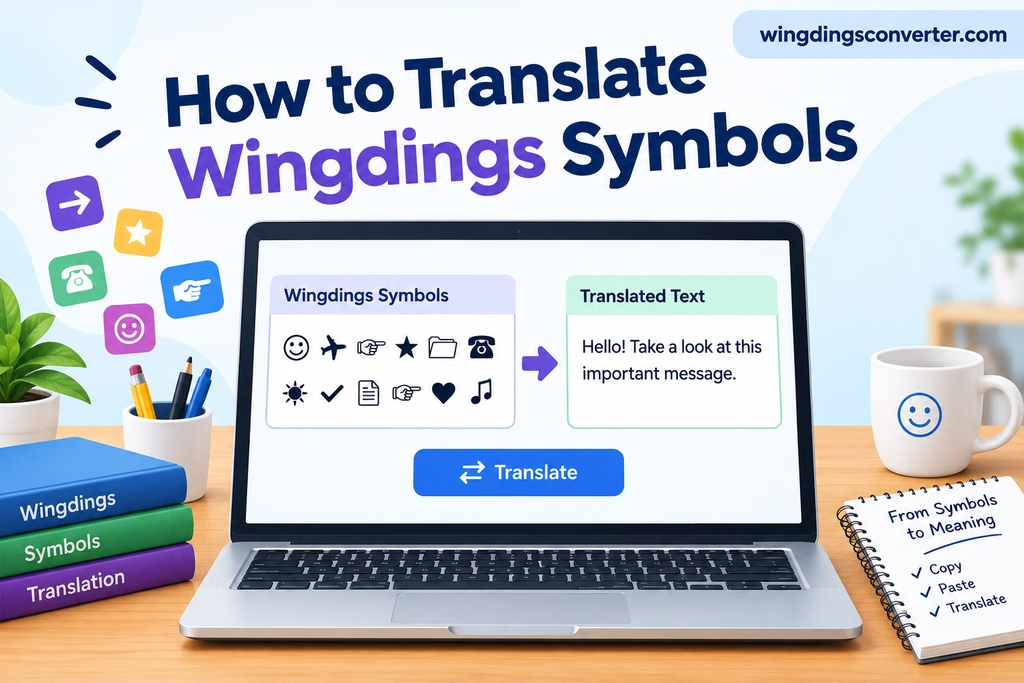
Wingdings symbols can look confusing when you receive a message filled with arrows, hands, shapes, or other unfamiliar characters. You might recognize a few symbols but still have no idea what the complete message says. The good news is that you can often translate Wingdings into readable text without identifying every symbol manually.
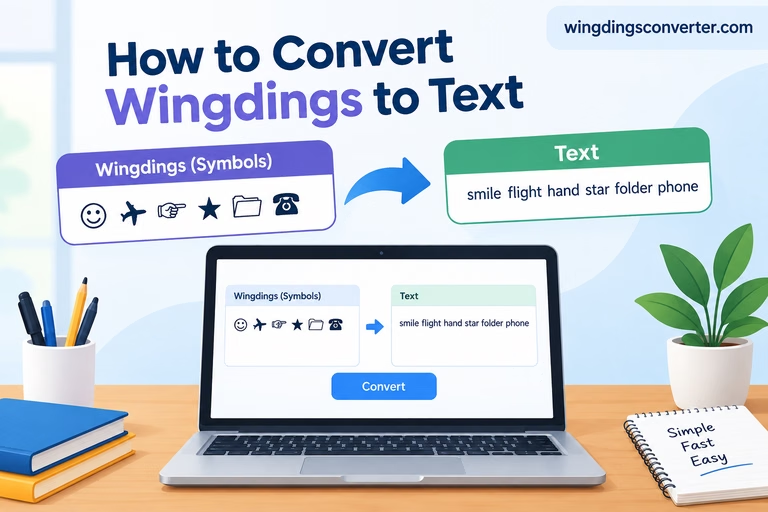
You can also visit: How to Convert Wingdings to Text: Easy Guide
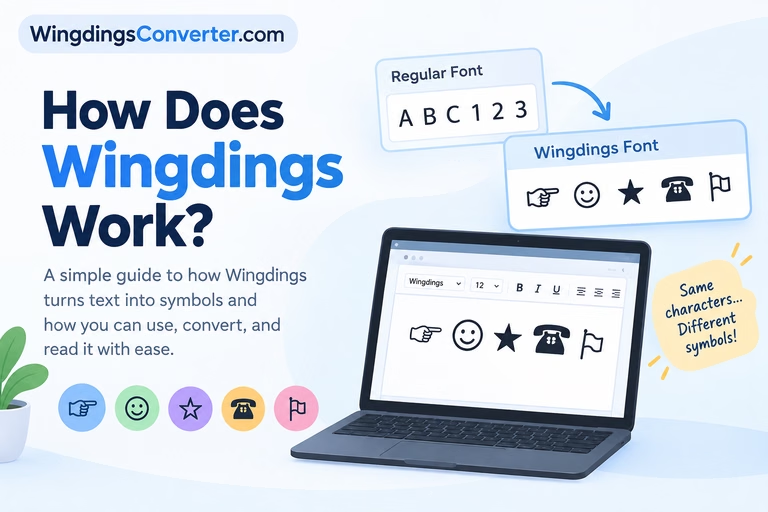
The key is understanding how the Wingdings font works. Wingdings uses a set of symbols in place of the usual letters and characters, so translating it requires the correct character mapping rather than simply reading the symbols as ordinary text.
In this guide, you’ll learn how to translate Wingdings symbols, which tools can help, what to do when a translation looks incorrect, and why some symbol sequences are harder to interpret than others.
What Does It Mean to Translate Wingdings Symbols?
Translating Wingdings means converting symbols displayed in the Wingdings font back into the text or characters they represent.
Unlike a language such as Spanish or French, Wingdings is not a spoken language with its own grammar and vocabulary. It is a symbol font that maps characters to visual designs.
For example, typing a regular character while using a compatible Wingdings font may display a hand, arrow, geometric shape, or another symbol instead of the familiar character.
This creates an important distinction:
- Text to Wingdings: Ordinary characters are displayed as Wingdings symbols.
- Wingdings to text: Symbols are interpreted using the corresponding character mapping to recover the original characters.
If someone sends you a Wingdings message, you generally need the second process.
However, not every collection of Wingdings symbols forms a meaningful sentence. Some sequences may represent ordinary text, while others may be decorative designs, standalone symbols, or a mixture of both.
The Easiest Way to Translate Wingdings Symbols
If you have a string of Wingdings symbols and want to understand it quickly, using a converter is usually the most practical starting point.
Step 1: Copy the symbols you want to translate
Select the Wingdings symbols from the document, webpage, message, or other source and copy them.
If the symbols are inside a Microsoft Word document, preserve the original text if possible. The symbols might be ordinary characters displayed through the Wingdings font rather than separate Unicode characters.
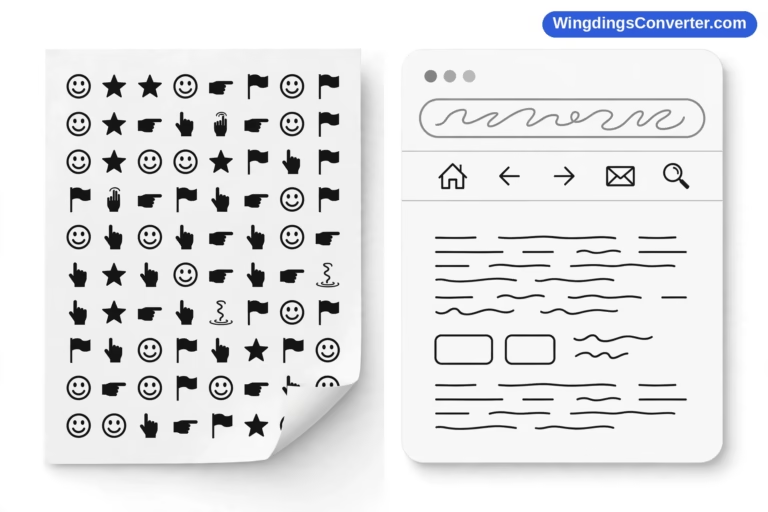
If you only have a screenshot or photograph, you may need to identify the symbols first. A text converter cannot always interpret an image directly.
Step 2: Open the Wingdings Converter
Visit WingdingsConverter.com and open the Wingdings Converter tool.
Choose the conversion direction that matches your task. To understand an existing Wingdings sequence, look for the Wingdings-to-text conversion option.
The exact process depends on the tool’s available features and the type of input you have.
Step 3: Enter the symbols
Paste your copied content into the appropriate input field.
If the symbols change into boxes, question marks, or unrelated characters after pasting, the original formatting or character information may not have been preserved. In that case, return to the original document and check how the symbols are stored.
Step 4: Convert the symbols
Run the conversion and examine the resulting text.
If the input contains a recognizable character sequence with a matching mapping, the result may reveal the original letters, numbers, or punctuation.
Do not assume that every output is correct simply because the converter produces text. The original font, character encoding, and conversion mapping all affect the result.
Step 5: Check whether the result makes sense
Read the output carefully. Look for recognizable words, spaces, punctuation, and sentence structure.
If the result seems random, try copying the content again from its original source or identifying the exact font used to display it.
Helpful tip: Keep a copy of the original symbols until you are satisfied with the translation. This makes it easier to compare the input and output if something goes wrong.
Why Wingdings Symbols Do Not Always Translate Correctly
A converter can be useful, but the way Wingdings is stored matters just as much as the symbols you see on your screen.
Here are the most common reasons a translation may fail.
1. The symbols are actually font-formatted characters
This is one of the most important details to understand.
In a typical Wingdings document, the underlying content may consist of ordinary character codes. The Wingdings font changes how those characters appear on the screen.
Imagine that a document contains a character that looks like a hand when displayed in Wingdings. If you copy that character into a plain-text application, the application may show a letter or another character instead of the hand.
The reason is that the visual symbol came from the font, not necessarily from a separate symbol character stored in the document.
To recover the original text, you need to interpret the underlying characters using the correct Wingdings mapping.
2. The wrong Wingdings version is being used
Wingdings, Wingdings 2, and Wingdings 3 are related but distinct fonts. Their character mappings are not interchangeable.
If a sequence was created using Wingdings 2, interpreting it with a Wingdings mapping may produce incorrect results.
When a translation looks wrong, check whether the original document identifies a particular Wingdings font. Using the correct version can make a significant difference.
3. Copying and pasting changed the content
Some applications preserve the underlying characters when you copy text, while others may change formatting or character representation.
For instance, copying symbols from a formatted document into a messaging application may remove the original font information. A recipient may then see ordinary characters instead of the intended Wingdings designs.
If possible, copy the symbols directly from the original application rather than from an intermediate source.
4. The symbols are not part of a text sequence
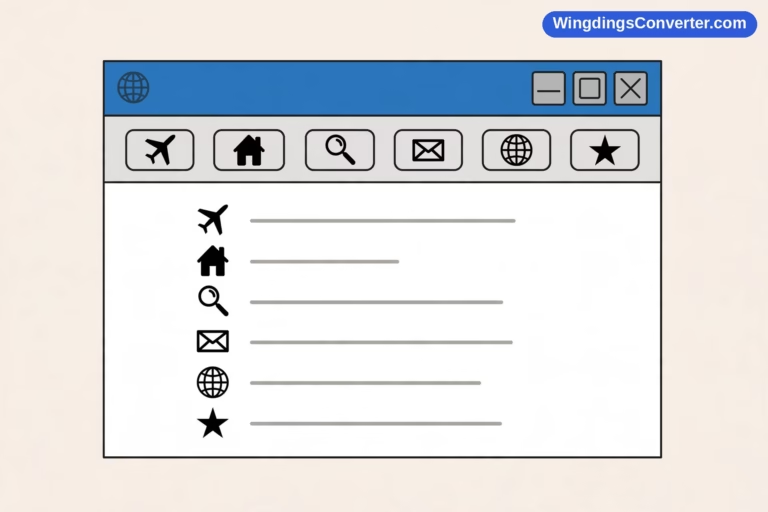
Wingdings is also commonly used for decorative symbols, icons, arrows, and visual markers.
A document might contain several unrelated symbols rather than a coded sentence. Translating each symbol into a character does not automatically produce a meaningful message.
In these cases, you may need to interpret the symbols according to their context instead of expecting a complete sentence.
Can You Translate Wingdings Manually?
Yes, provided you know which character mapping was used.
Manual translation is useful when you only have a few symbols to identify or want to understand why a converter produces a particular result.
Start by identifying the original font and locating a reliable character chart for that font version. Compare the underlying characters or character positions with the corresponding symbol designs.
For example, a document might display the following types of designs:
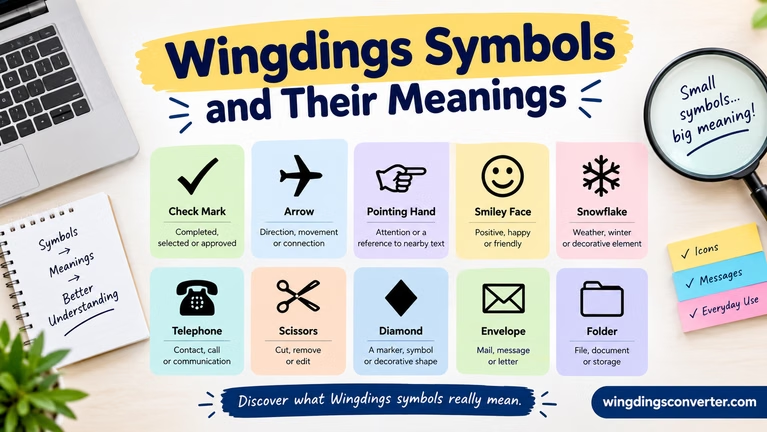
- An arrow used to indicate direction.
- A hand used to draw attention to a point.
- A geometric shape used as a decorative marker.
- A checkmark used to indicate completion.
These are examples of the kinds of symbols found in symbol fonts, not a universal decoding key. Their exact appearance and character mapping depend on the font.
If the original content consists of characters displayed in Wingdings, examining the underlying text is often more reliable than trying to identify the shapes by sight.
For a long sequence, manual lookup can become tedious. A converter is generally more convenient when the correct mapping is available.
Translating Wingdings in Microsoft Word
Microsoft Word can be particularly helpful when the symbols come from a document created using a Wingdings font.
Try the following approach:
- Open the original document in Word.
- Select a small portion of the Wingdings content.
- Check the font name in the font controls.
- Copy the selected content into a separate document or text editor.
- Examine whether the copied content preserves the underlying characters or only the visible appearance.
- Use a conversion method that supports the identified font mapping.
If the document uses Wingdings 2 or Wingdings 3, make sure you account for that difference.
Be careful when changing the font directly. Applying a different font can change how the characters appear, but it does not necessarily decode a symbol sequence correctly. A character mapping must be interpreted appropriately for the result to be meaningful.
The same general principle applies to other word processors, although the menus and font-handling behavior may differ.
What If You Only Have a Picture of Wingdings Symbols?
Sometimes the symbols arrive as a screenshot, scanned page, or image rather than editable text.
In this situation, there are two separate tasks:
First, identify the visible symbols. You may need to zoom in, crop the image, or use an image-recognition tool to determine which shapes appear.
Second, translate the identified content. Once you have the symbols or can determine their underlying character sequence, use the appropriate font mapping or converter.
Optical character recognition (OCR) can help with some images, but standard OCR systems may not recognize Wingdings reliably because the designs do not resemble ordinary letters.
If you have access to the original Word document or another editable source, use that instead of working from a screenshot. The original file may preserve information that cannot be recovered from the image alone.
Wingdings Translation vs. Unicode Symbol Decoding
These two tasks may look similar, but they are not always the same.
| Task | What it involves |
|---|---|
| Translating Wingdings | Interpreting characters according to a Wingdings font mapping |
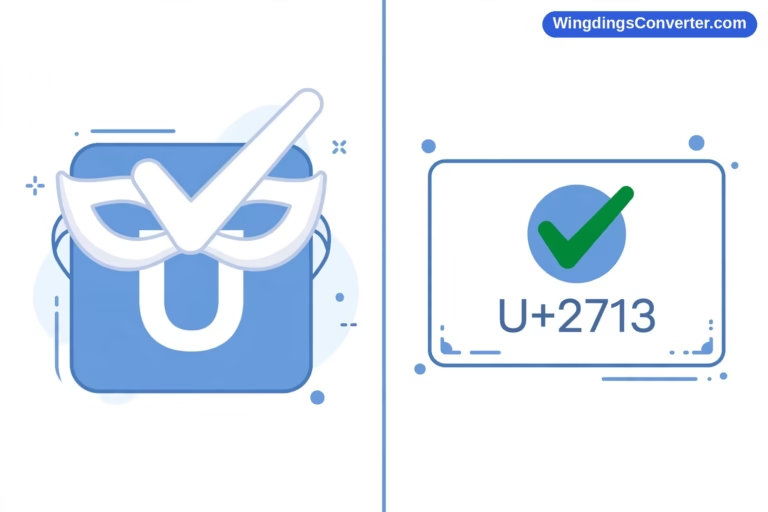
| Decoding Unicode symbols | Identifying actual Unicode characters, such as arrows, stars, or pictographs |
| Reading an image of symbols | Recognizing visible shapes before interpreting their meaning |
| Interpreting decorative symbols | Understanding symbols through their surrounding context |
A symbol that looks like an arrow, for example, could be a character displayed by a font or an actual Unicode arrow character. The two may look similar while having different underlying representations.
This distinction explains why copying a symbol into a converter does not always produce the expected result. The conversion method must match the type of content you have.
Practical Tips for Getting a Better Translation
If you are working with an unfamiliar Wingdings message, these habits can save time:
- Identify the font first. Check whether the source uses Wingdings, Wingdings 2, or Wingdings 3.
- Preserve the original content. Avoid editing or reformatting the only copy before translating it.
- Work with a short sample. Test a small section before converting a long document.
- Check the source application. If copied symbols look different elsewhere, return to the original file.
- Do not guess at missing characters. A symbol that looks like a letter may represent something else under the relevant mapping.
- Read the surrounding text. Context can help you distinguish a meaningful message from decorative symbols.
- Compare questionable results. If a translation looks incorrect, verify the font and mapping rather than assuming the original message is nonsense.
These steps are particularly useful when the symbols came from an older document or a file created on a different computer.
Frequently Asked Questions
Is Wingdings a secret code?
Not by itself. Wingdings is a symbol font, not an encryption system. A message written using Wingdings may look mysterious, but interpreting its character mapping is different from breaking an encrypted message.
Someone can also use symbols creatively to create a puzzle, so the purpose of a particular sequence depends on its context.
Can I translate Wingdings into English?
Yes, when the underlying characters and font mapping allow the original text to be recovered. If the symbols are decorative or the original character information has been lost, a direct English translation may not be possible.
Why do I see letters instead of Wingdings symbols after copying?
The receiving application may not preserve the Wingdings font formatting. The underlying characters can remain unchanged even when their appearance changes. Check the original document’s font and character information before attempting conversion.
Can Google Translate decode Wingdings?
Google Translate is designed for natural languages, not for interpreting Wingdings font mappings. A Wingdings-specific converter or the correct font character chart is generally a more suitable choice.
Are Wingdings and Wingdings 2 the same?
No. They are separate fonts with different character mappings. A translation method intended for one font may not work correctly with the other.
Can I translate Wingdings on a phone?
You can try using a web-based converter on a mobile browser. However, if your symbols are stored in a formatted document, you may need to access the original file or inspect its font information to get an accurate result.
Final Thoughts
Translating Wingdings symbols is usually straightforward once you understand where the symbols come from. The important step is identifying whether you are working with characters displayed in a Wingdings font, actual Unicode symbols, or an image of symbols.
For editable Wingdings content, start by identifying the font and preserving the original characters. Then use a converter that supports the appropriate mapping. If the output looks incorrect, check the font version and the way the content was copied before trying to interpret the result.
If you already have a sequence of Wingdings characters to decode, the Wingdings Converter at WingdingsConverter.com is a convenient place to start. The right conversion method can turn a confusing collection of symbols into text you can understand.