Wingdings vs Unicode: What’s the Difference?
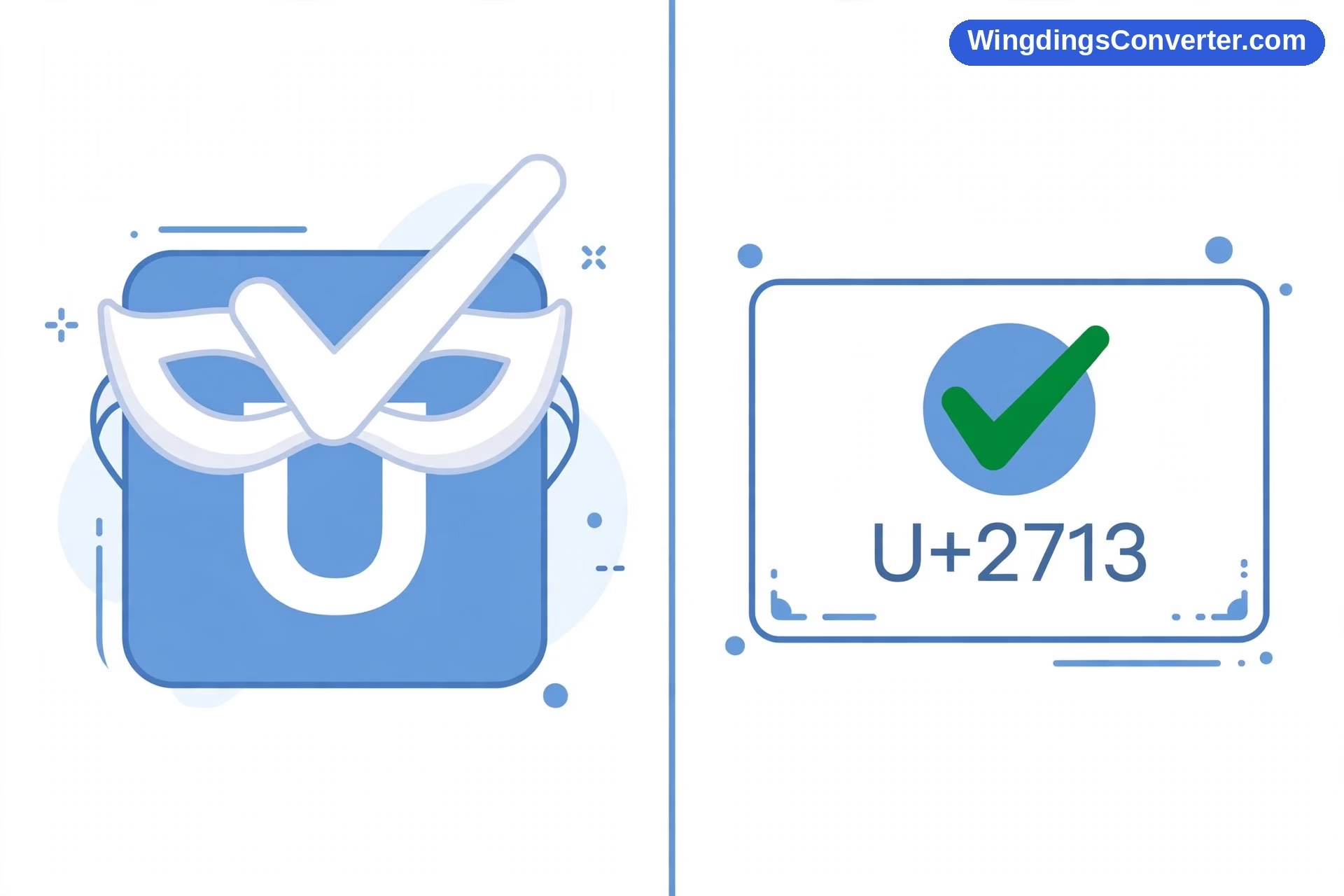
The Wingdings vs Unicode comparison trips people up for one simple reason: they are not actually the same kind of thing. Comparing them is a bit like comparing a costume with a passport. One changes how something looks for a while. The other is an official identity that is recognised everywhere.
Wingdings is a font. Unicode is a universal encoding standard. Once you hold onto that distinction, a dozen everyday mysteries suddenly make sense — why symbols turn back into letters when you paste them, why some characters show up as empty boxes on your phone, and why a check mark copied from a modern website behaves so much better than one made in an old Word document.
First, clear definitions
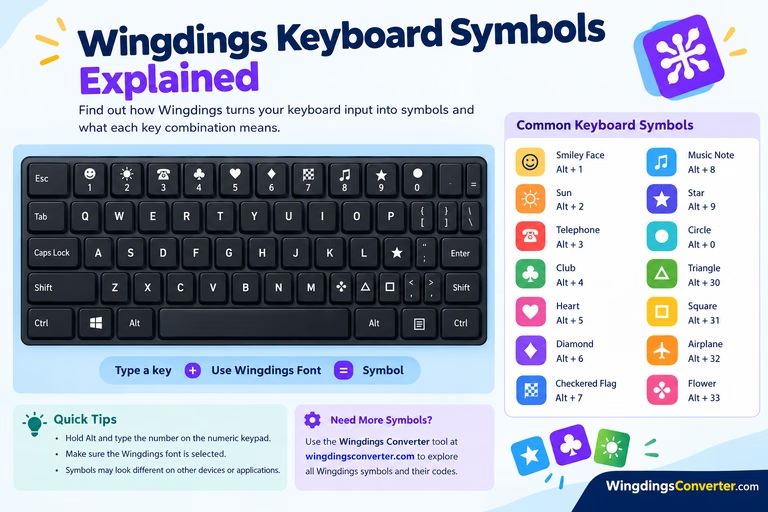
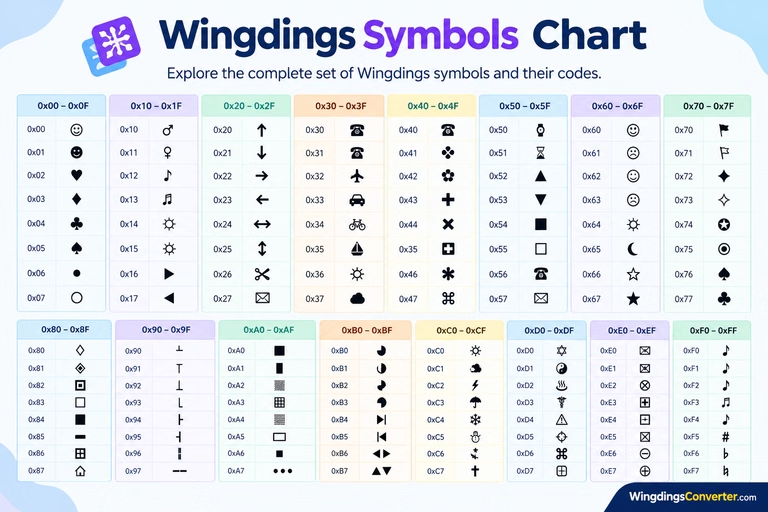
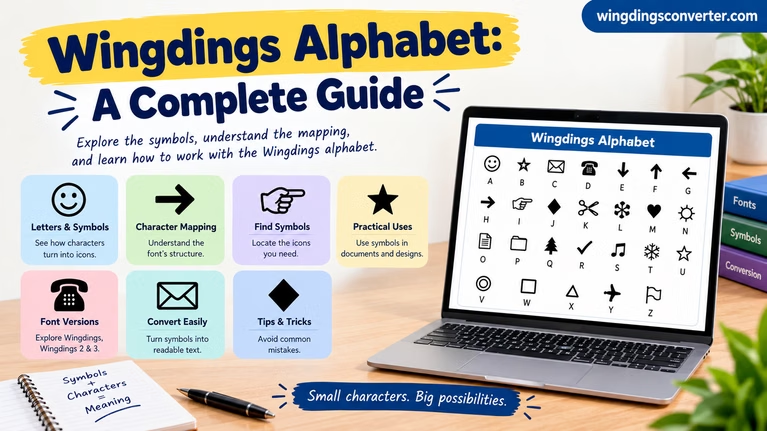
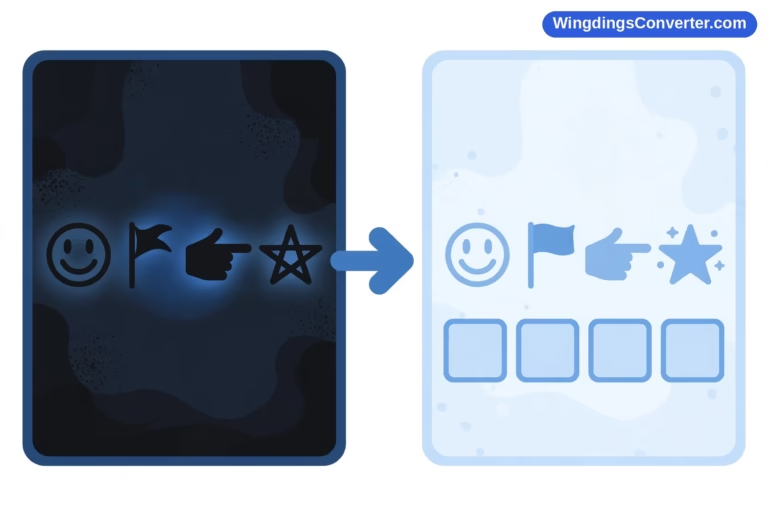
Wingdings is a symbol font released by Microsoft in 1990, designed by Charles Bigelow and Kris Holmes of Type Solutions. It does something sneaky: it takes ordinary keyboard characters and draws a picture over each one. Type a J and you see a smiling face. Type a K and you see a neutral face, L a sad face. The character underneath never stopped being a J, K, or L.
Unicode is not a font at all. It is a standard, maintained by the Unicode Consortium, that gives every character in every writing system — plus symbols, punctuation, and emoji — its own unique number, called a code point. Unicode 1.0 was published in 1991, and the standard has grown ever since to cover scripts and symbols from all over the world.
A code point is written like this: U+2713. That number always means ✓, the check mark. U+2605 always means ★, the black star. U+2764 always means ❤, the heavy black heart. The font on your device then decides how to draw it — thick or thin, plain or fancy — but it cannot decide that U+2713 means something else.
The official character charts at unicode.org/charts let you browse exactly what each code point is assigned to, which is a good reminder of just how enormous and carefully organised the standard is.
Wingdings vs Unicode at a glance
| Feature | Wingdings | Unicode |
|---|---|---|
| What it is | A font | An encoding / character standard |
| Released | 1990, by Microsoft | Unicode 1.0 published 1991, maintained by the Unicode Consortium |
| Identity of a symbol | Borrowed from a letter or other keyboard character | Its own permanent code point, such as U+2713 for ✓ |
| Who decides the meaning | The font file itself | The standard; fonts only draw the result |
| Works without a specific font? | No — remove Wingdings and the symbols collapse back to letters | Yes, in principle — any font with that glyph can render it |
| Copy and paste behaviour | Fragile; formatting loss can undo it | Much more reliable across apps and devices |
| Search and screen readers | See the underlying letters, not the pictures | See the actual character and its defined meaning |
| Symbol range | One font’s fixed set of glyphs | Well over a hundred thousand characters across languages and symbol sets |
| Failure mode | Symbols revert to letters or change completely | A missing glyph shows as a box, nicknamed “tofu” |
| Best for | Puzzles, worksheets, playful document decoration | Anything published, shared, searched, or meant to last |
The key difference: borrowed identity vs. real identity
Imagine you write the word “hello,” select it, and apply Wingdings. On screen it becomes a row of little pictures. It feels like the text has been transformed.
It has not. Open that same file on a computer without Wingdings and you will see “hello” again, because the file only ever contained h-e-l-l-o plus an instruction saying “display this in Wingdings, please.” If the instruction gets lost — copied into a plain text box, sent through a messaging app, imported into a web form — the pictures go with it.
A Unicode symbol works the opposite way. When you insert ✓, the file contains the code point U+2713 itself. There is no hidden letter and no costume. Any system that understands Unicode knows this character is a check mark, even if it draws it in a slightly different style. The meaning travels with the character, not with the formatting.
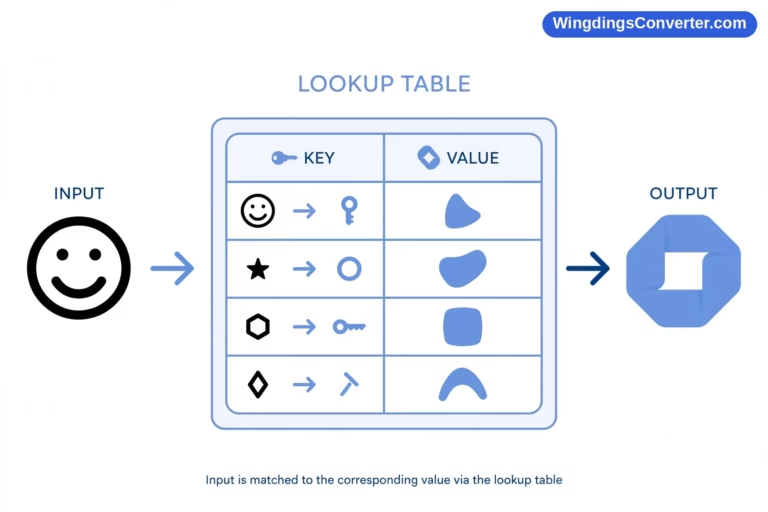
That is also why our guide on how to convert Wingdings to Unicode exists as a separate process from simply changing a font. Conversion means looking up each Wingdings glyph, finding the genuinely equivalent Unicode character where one exists, and replacing the letter-plus-font combination with that real character. After that, the symbol can survive being pasted almost anywhere.
Why Unicode symbols look slightly different on different devices
People sometimes notice that a Unicode star looks a little different on an iPhone than on a Windows PC, and assume something has gone wrong. Nothing has. That is the system working as designed.
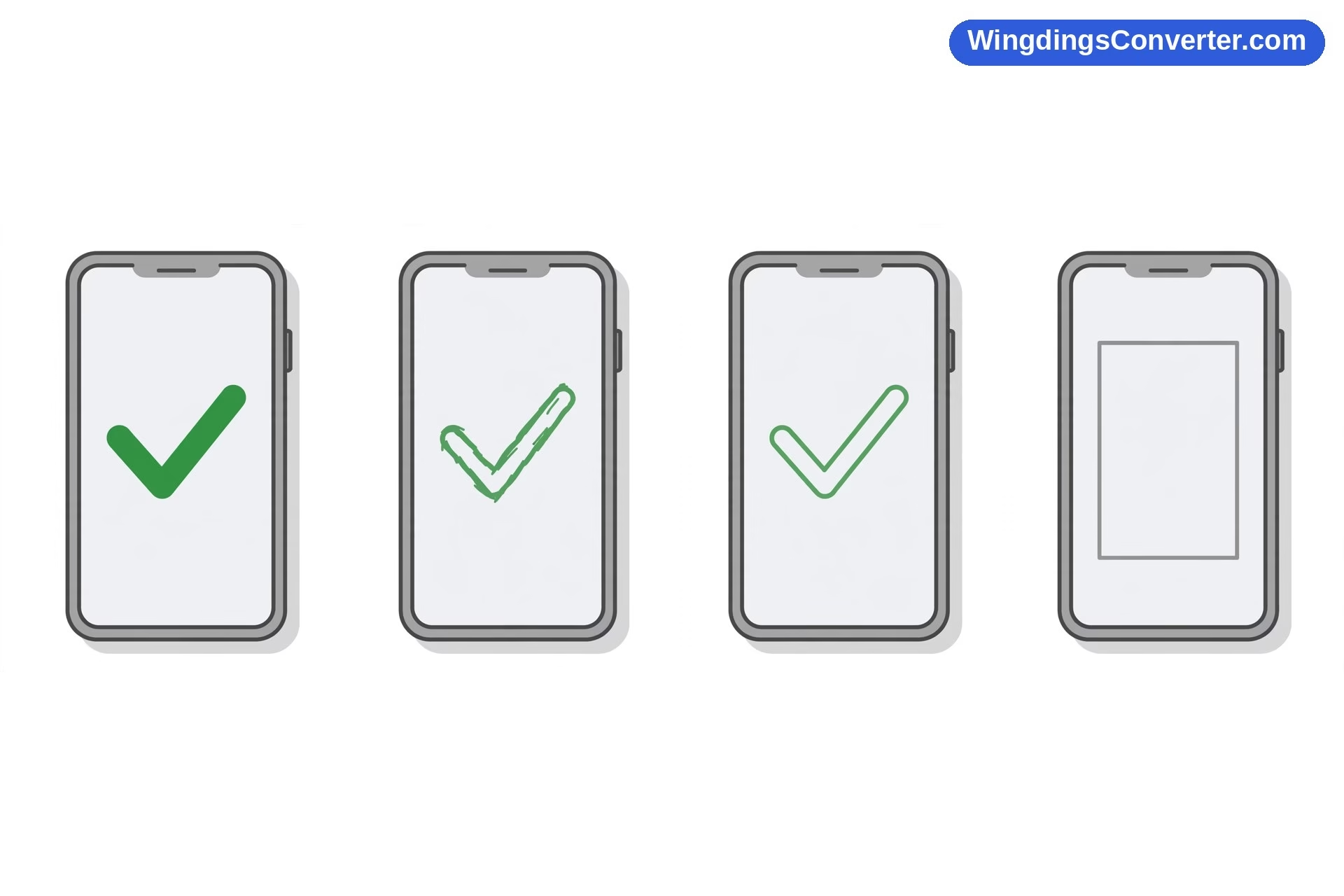
Unicode defines which character it is. Fonts define how it looks. Your phone, your laptop, and a website can each use a different font to draw U+2605, so the points of the star might be sharper, rounder, heavier, or lighter. But it will still be a star, on every device, forever. The character’s identity is stable even when its outfit changes a little.
Wingdings gives you the reverse bargain: an identical look, but only as long as one specific font is present and applied. The moment that condition fails, you do not get a slightly different star. You get a letter, or nothing recognisable at all.
For a deeper, plain-English walkthrough of the standard itself, see our companion explainer, what is Unicode?
Boxes, tofu, and other failures
Both systems can fail, but they fail in tellingly different ways.
When Wingdings fails, it fails backwards. The symbol disappears and the underlying letter shows through, because the letter was the real content all along. This is confusing but often recoverable: reapply the font, or run the text through a decoder, and you are back in business.
When Unicode fails, it fails forwards. The character arrives correctly — the device knows perfectly well that it is supposed to show, say, a particular symbol — but the installed fonts simply do not contain a drawing for that code point. So the system shows a placeholder: a hollow rectangle, sometimes with a cross or a question mark inside. In font circles this placeholder is nicknamed “tofu,” and engineers also call the missing drawing the .notdef glyph.
Tofu is actually the more honest failure. It tells you “a real character lives here, I just can’t draw it,” rather than silently swapping in a letter that changes the meaning. If you see boxes often, our article on why symbols show as boxes explains the common causes and fixes, from outdated software to fonts that simply have not caught up with newer characters.
A short history side by side
The timing here is almost funny. Wingdings appeared in 1990 and Unicode 1.0 followed in 1991. They are near-contemporaries, products of a moment when personal computing was realising how badly it needed a better way to handle characters.
They answered that need from opposite directions. Wingdings was a practical, proprietary shortcut: Microsoft needed symbols in documents, so it packed them into a font using character slots that already existed. Unicode was an ambitious, cooperative project: a single universal list of characters that every company and platform would agree to share, so text could move between systems without being corrupted.
History has been clear about which approach scaled. Unicode became the foundation of the modern web, of every major operating system, and eventually of emoji themselves. Wingdings remained a beloved fossil — still installed in many places, still fun, but frozen in its 1990 design while the world standardised around it.
If you want the standards-side history from the source, Wikipedia’s Unicode article traces the versions and adoption in detail.
Coverage: a drawer of symbols vs. the world’s writing
Wingdings contains a single font’s worth of glyphs — a few hundred at most, chosen in 1990 for general office documents. It is a good drawer of symbols, but it is a drawer.
Unicode, by contrast, sets out to cover human writing itself: alphabets and scripts from around the world, mathematical notation, musical symbols, currency signs, technical marks, historic scripts, and yes, a large collection of dingbat-style symbols too. Many of the pictures people love in Wingdings have genuine counterparts in Unicode, because Unicode deliberately included whole blocks of such symbols so old documents could be converted into the standard.
That last point matters in practice. Converting a Wingdings worksheet to Unicode is possible for many glyphs precisely because Unicode absorbed similar symbols. But it is never a perfect one-to-one translation for everything — some Wingdings glyphs are quirky, combined, or specific enough that no exact Unicode equivalent exists. A good converter should tell you that honestly instead of quietly substituting something vaguely similar.
Which should you actually use?
For almost anything you publish, send, or save for the long term: Unicode. It is searchable, accessible, copyable, and understood by the software your readers actually use. If you need a star, a check mark, or a heart in a web page, a message, or a document that will travel, use the real Unicode character — ★, ✓, ❤ — and let each device draw it in its own font.
Wingdings still earns its place in narrower, playful jobs:
- A puzzle or code where decoding is the point, and the fragility does not matter.
- A printed worksheet you control end to end, from your computer to your printer.
- A nostalgic design nod to early Microsoft Office culture.
- A quick visual marker — the J/K/L faces, the check mark at ü, code 252 — inside a document that will be exported to PDF.
Notice the pattern: Wingdings works best when the environment is controlled and the audience is small. Unicode was built for exactly the opposite conditions.
A quick test you can try right now
Type a capital J in a document and set it in Wingdings. You will see a smiling face. Now copy that face and paste it into a plain text editor, a browser address bar, and a notes app. In at least one of those places, you will very likely get your J back.
Now copy this character instead: ✓. Paste it into the same three places. It stays a check mark everywhere, because it was never a letter pretending to be a symbol. It is a symbol, full stop, with code point U+2713 as its identity card.
That thirty-second experiment teaches the Wingdings vs Unicode difference better than any definition. One is appearance. The other is identity.
Frequently asked questions
Is Wingdings part of Unicode?
No. Wingdings is a font that maps ordinary characters to pictures without using dedicated Unicode code points for those pictures. Many Wingdings-style symbols have separate equivalents inside Unicode, but the font itself is not Unicode encoding, and text formatted in Wingdings is still, underneath, regular letters.
Is Unicode a font I can download?
No. Unicode is a standard — a giant, agreed list of characters and their code points. Fonts, which you can download, supply the drawings for those characters. Your devices already use Unicode constantly, whether or not you ever think about it, and they use their installed fonts to display it.
Why does Wingdings text turn back into letters when I paste it?
Because only the formatting made it look like symbols. Paste somewhere that drops the font name, and the underlying letters are all that remain. Convert the glyphs to real Unicode characters first and they will survive pasting much more reliably.
What does U+2713 mean?
It is the code point for the check mark ✓. The “U+” signals a Unicode code point, and 2713 is its number in hexadecimal. Every Unicode character has one of these permanent identifiers — U+2605 is the black star ★ and U+2764 is the heavy black heart ❤.
Why do some Unicode symbols show as empty boxes?
That placeholder, nicknamed tofu, appears when a character arrives correctly but no installed font contains a drawing for it — often because the character is new or specialised. Updating your system or app usually adds the missing font support. The character itself is not broken.
Can every Wingdings symbol be converted to Unicode?
Many can, because Unicode includes a wide range of dingbat-like symbols, but not every single Wingdings glyph has an exact match. Good conversion tools map what they can faithfully and flag the rest, rather than replacing a symbol with something that merely looks close.
Conclusion
The Wingdings vs Unicode difference comes down to one sentence: Wingdings changes how letters look, while Unicode defines what characters are. Wingdings, the 1990 Microsoft font, dresses ordinary characters up as pictures and hopes the costume survives the trip. Unicode, the standard first published in 1991 and maintained by the Unicode Consortium, gives every character — including genuine stars, check marks, and hearts — a permanent code point that any device can recognise.
Use Wingdings for fun, controlled, decode-it-yourself projects. Use Unicode for everything you want other people, other devices, and future you to read without a fight.