What Is Unicode? A Simple Explanation
Here is the simplest honest answer to “what is Unicode?”: Unicode is the world’s shared address book for characters. Every letter, digit, punctuation mark, symbol, and emoji that computers can handle gets its own permanent number in that book, so that a character means the same thing on your phone, my laptop, and a server on the other side of the world.
You use Unicode hundreds of times a day without thinking about it. Every text you send, every web page you read, every emoji you tap is quietly relying on it. This article explains how it works in plain terms — no programming background needed — and why life before it was such a mess.
The problem Unicode was invented to solve
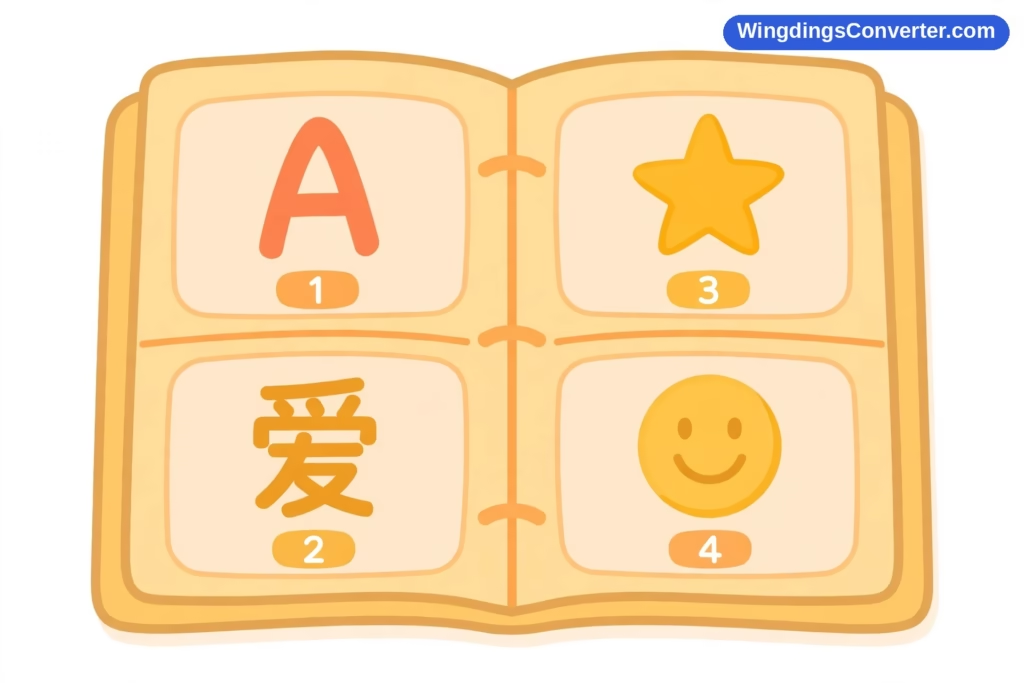
Computers, at bottom, store numbers, not letters. So from the earliest days, engineers kept lists that said things like “number 65 means A, number 66 means B.” Those lists are called encodings, and as long as everyone used the same list, text could move between machines safely.
The trouble was that everyone did not use the same list. Different countries, companies, and systems invented their own, mostly covering only their own language. A number that meant one character on an American system might mean a completely different character on a system set up for another language. Send a document across that boundary and it would arrive as gibberish — the right numbers, decoded with the wrong list.
Worse, many early encodings were simply too small. If your list only has room for 256 slots, you cannot fit the world’s writing into it: not Chinese characters numbering in the tens of thousands, not Arabic, not Hebrew, not Hindi, not historical scripts, not mathematical symbols — all at once, in the same document.
What the world needed was one list, big enough for everything, agreed by everyone.
So, what is Unicode, exactly?
Unicode is that one list, built as a universal standard and maintained by the Unicode Consortium, a non-profit organisation whose members include the major technology companies and institutions that need the standard to work. The first version, Unicode 1.0, was published in 1991, and the standard has been updated regularly ever since as new scripts, symbols, and emoji are added.
A few ideas sit at the heart of it, and once you have them, everything else falls into place:
Every character gets a code point. That is Unicode’s word for a character’s official number. Code points are written with “U+” followed by a hexadecimal number. U+0041 is A. U+2713 is ✓, the check mark. U+2605 is ★, the black star. U+2764 is ❤, the heavy black heart.
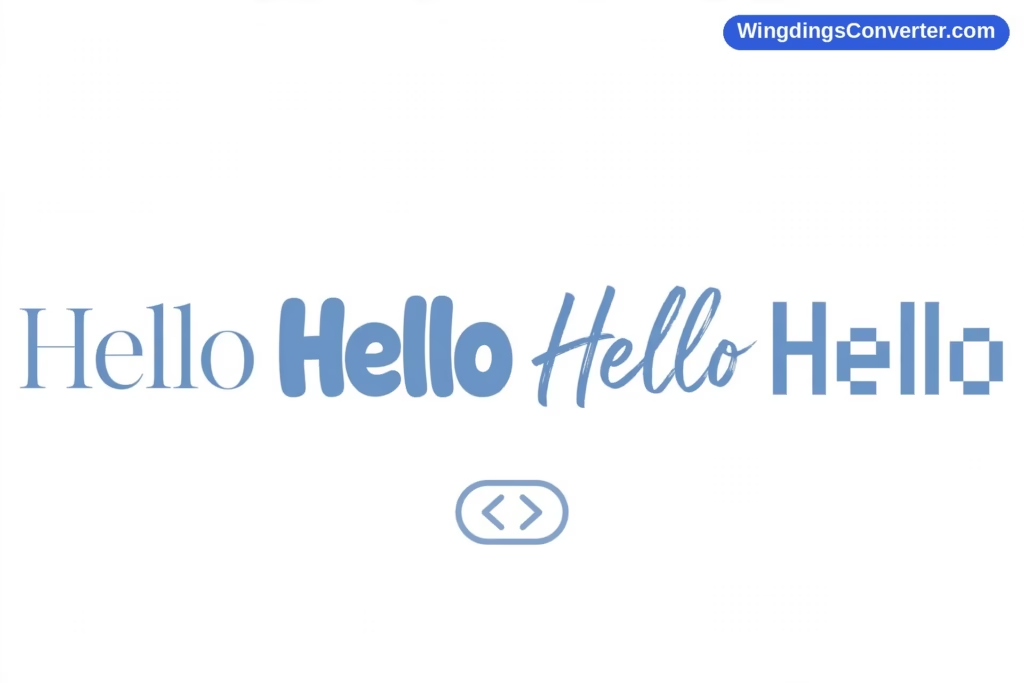
A code point is an identity, not a picture. Unicode decides which character something is. It does not decide how it should look. Drawing the character is the job of fonts, which is why the same text can look elegant on one device and chunky on another while saying exactly the same thing.
The list is universal and meant to be permanent. Once a character is assigned a code point, that assignment does not change. A document written decades ago can still be decoded correctly today, because U+2713 meant a check mark then and means a check mark now.
The Consortium publishes the full lists openly — you can browse the official code charts at unicode.org/charts and look up what any code point is — and background about the organisation itself is available at home.unicode.org.
An everyday analogy: houses and street addresses
Think of characters as houses and code points as addresses. Before Unicode, every town used its own numbering, so “number 65” could be a cottage in one place and a castle in another. Mail went astray constantly. Unicode gave every house on Earth a unique address in one global system.
Fonts, in this analogy, are architects. They decide whether the house at a given address gets built with a pointy roof or a flat one — but they do not get to move it to a different address, and they certainly cannot decide the address now belongs to a lighthouse. When people complain that a star looks slightly different on their new phone, that is just a different architect’s style. The address — the character’s identity — never changed.
And if an architect has never built anything at one address? That is the famous empty-box problem, which we will come to shortly.
Unicode is not a font (and why that matters)
This is the single most common point of confusion, and it is worth stating plainly: Unicode is an encoding and character set standard, not a font. You cannot download “the Unicode font” the way you download a typeface, and there is no single official look for Unicode text.
Instead, it works like this. Unicode defines the characters. Your operating system and apps store text as code points. Then whatever font is in use draws each character — if that font contains a drawing, called a glyph, for that code point.
This separation explains two familiar experiences:
- The same message, a different look. Emoji are Unicode characters, rendered in colour by colour fonts. Apple, Google, and Microsoft each design their own, so the same emoji changes style between platforms while remaining the same character underneath.
- Symbol fonts that cheat. Wingdings, Microsoft’s 1990 symbol font designed by Charles Bigelow and Kris Holmes, does the opposite of the Unicode way: it maps ordinary keyboard characters directly to pictures, with no code points of their own. That is why Wingdings text falls apart when the font is lost — a story told in full in our Wingdings vs Unicode comparison.
If you have ever seen text that was fine on one computer and nonsense on another, you have personally met the difference between a world with a shared standard and a world without one.
What are all those symbols doing in there?
People browsing the Unicode charts for the first time are often startled by how far the standard goes beyond alphabets. Alongside the letters of the world’s scripts you will find currency signs, mathematical operators, arrows, geometric shapes, musical notation, astrological symbols, technical marks, and whole blocks of dingbat-style decorations — the grown-up, standardised relatives of the pictures Wingdings offered.
That breadth is deliberate. Unicode was designed so that any text, from a shopping list to a scholarly edition of an ancient manuscript, could be stored in one consistent system. The symbols matter to everyday readers more than they might expect: the check mark you paste into a task list, the star in a rating, and the heart in a message are all Unicode citizens with code points of their own. Our guide to Unicode symbols explained picks out the most useful of them and shows how to use them.
And then there are emoji. They began life on Japanese mobile phones in the late 1990s — the well-known early set was created for DoCoMo’s i-mode service in 1999 by Shigetaka Kurita — and they were folded into Unicode starting with Unicode 6.0 in 2010. That move turned a charming local feature into a global one, because anything with a code point can travel anywhere Unicode is supported.
Why some characters show up as boxes
If Unicode is universal, why does a character occasionally appear as a hollow rectangle on your screen?
That rectangle has nicknames — font people call it “tofu,” and technically it is the .notdef glyph, the placeholder a system shows when it cannot draw something. The sequence of events goes like this: the text arrives correctly, as a code point. Your device understands perfectly well which character it is supposed to display. But none of the fonts installed on the device contains a glyph for that code point, so the system shows the box as an honest admission: something real is here, I just can’t draw it.
This usually happens with very new emoji and symbols, which appear in a fresh Unicode release before every platform’s fonts have caught up, or with rare and historic characters that mainstream fonts never bothered to include. Updating your operating system or app typically fixes it, because updates ship with refreshed fonts.
The box is worth appreciating, in a way. Compare it with the pre-Unicode chaos, where the same situation would have silently produced a wrong character and you would never have known. Tofu at least tells you the truth. If boxes are a recurring problem on your device, our article on why symbols show as boxes looks at the specific causes and fixes.
How Unicode quietly runs your day
Consider a few ordinary moments. You message a friend in another country, mixing words, a ✓ to say “done,” and an emoji to say it cheerfully. Your friend reads it exactly as intended, on a different brand of phone, in a different language setting. You search the web for a song title containing characters from another alphabet, and the results match. You copy a quote from a website into a document in another app, and not a single character curdles on the way.
None of that was guaranteed in 1990. All of it works now because one boring-sounding, brilliantly executed agreement sits underneath modern computing: this number means this character, everywhere, always. Unicode is invisible infrastructure, like plumbing — you only notice it in the rare moments it cannot quite do its job.
It is also still growing. Committees review proposals for new characters, from newly documented historic scripts to each year’s batch of emoji, and the standard rolls forward version by version. The address book gains new pages. The old addresses never move.
Frequently asked questions
What is Unicode in the simplest possible terms?
Unicode is a universal standard that gives every character — letters, numbers, symbols, and emoji — its own unique number, called a code point. Because every computer system agrees on those numbers, text can move between devices, apps, and languages without turning into gibberish.
Who maintains Unicode?
The Unicode Consortium, a non-profit organisation supported by major technology companies and other institutions. It published Unicode 1.0 in 1991 and continues to release updated versions that add new scripts, symbols, and emoji while keeping all existing code points stable.
Is Unicode a font I can install?
No. Unicode is a standard, not a font. Fonts provide the visual drawings for Unicode characters. Your devices come with fonts that between them cover a large share of the standard, which is why text displays without you ever installing or selecting “Unicode” itself.
What does a code point like U+2713 mean?
It is a character’s official identifier. The “U+” marks it as a Unicode code point and the rest is its number in hexadecimal. U+2713 is the check mark ✓, U+2605 is the black star ★, and U+2764 is the heavy black heart ❤. Those assignments are permanent.
Why do some Unicode characters appear as empty boxes?
Because the character arrived correctly but no installed font has a drawing for it, so the system shows a placeholder box nicknamed tofu. It is most common with brand-new or very obscure characters, and updating your software — which refreshes its fonts — usually resolves it.
What is the difference between Unicode and emoji?
Emoji are one category of characters within Unicode. They started on Japanese mobile phones in the late 1990s and were added to the standard from Unicode 6.0 in 2010. Once an emoji has a code point, any platform can support it — drawing it in its own colour style.
Conclusion
So, what is Unicode? It is the agreement that rescued text from chaos: one permanent code point for every character in human writing, maintained by the Unicode Consortium since Unicode 1.0 in 1991, and used by virtually every device you own.
Remember just three things and you understand it better than most people ever need to. Unicode gives characters identities, not appearances. Fonts do the drawing. And when a character cannot be drawn, you get a box — a small, honest sign that a real character is waiting for a font that knows it. Everything else, from error-free international messages to the emoji keyboard on your phone, is that simple system working exactly as intended.