What Is Webdings Font?
Ask “what is Webdings font?” and most people will answer with a shrug, followed — if they are old enough to remember it — by “wasn’t that something to do with Wingdings?” Sort of. Webdings is a symbol font from Microsoft, released in 1997, that turns ordinary keyboard characters into small pictures. But where its famous sibling was built for documents on paper, Webdings was built for something brand new at the time: the World Wide Web.
That timing is the whole story of this font. Webdings is a snapshot of the moment the web stopped being a novelty and started needing design — icons, buttons, little visual signposts — long before the tools we now take for granted existed to provide them.
A simple definition of the Webdings font
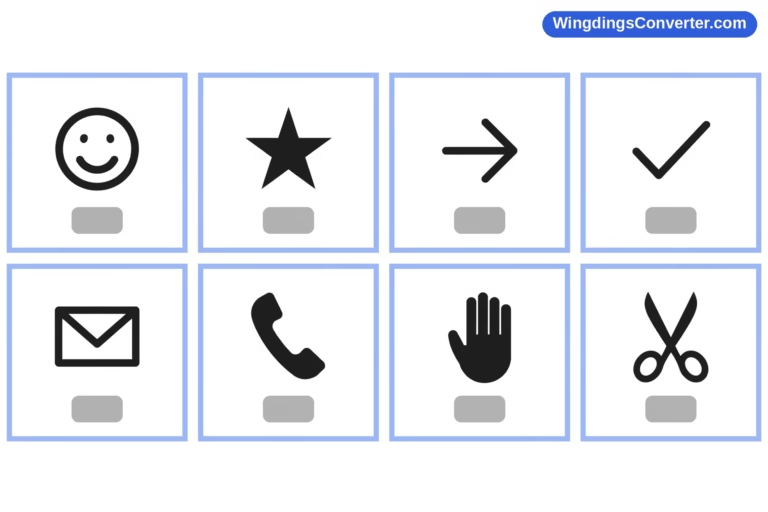
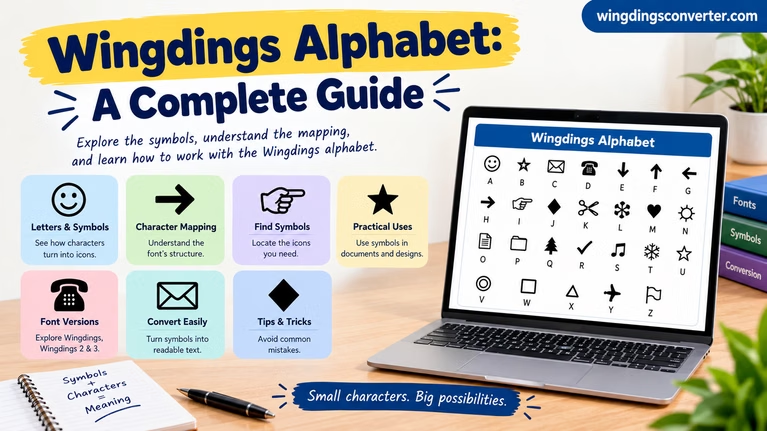
Webdings is a dingbat font: a typeface in which the characters are pictures rather than letters. Type a character, apply the Webdings font, and instead of seeing that character you see a glyph — an icon-style image such as a symbol for travel, communication, media, weather, or navigation.
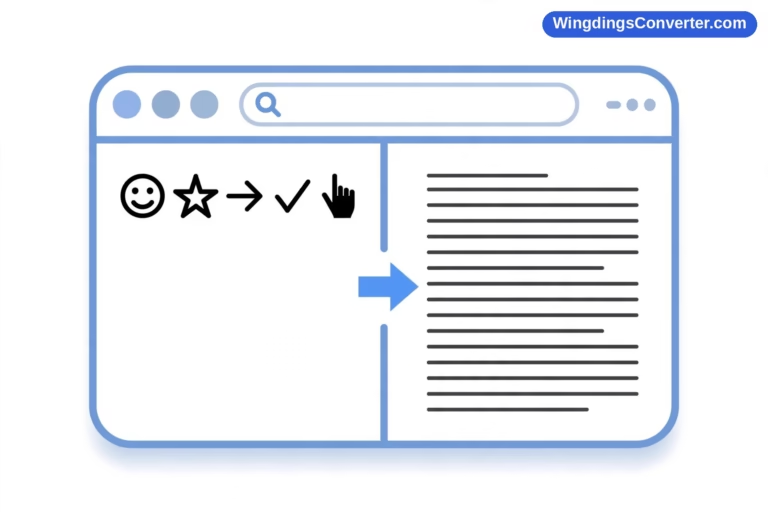
Crucially, nothing about the underlying text changes. The file still contains ordinary character codes. Webdings, like Wingdings before it, maps those ordinary characters to glyphs instead of using dedicated Unicode code points for its pictures. The image exists only while that exact font is selected and available.
If that sounds like a strange way to build anything, remember the constraints of 1997. Connections were slow, image editing tools were limited, and a font was one of the few things that could deliver dozens of small, resizable, recolourable pictures in a single small file. In that world, hiding icons inside a typeface was not strange at all. It was clever.
The history: Webdings and the early web
Microsoft released Webdings in 1997, and it shipped with Internet Explorer 4 and with Windows. That distribution method mattered enormously. Internet Explorer was, at that moment, fighting for — and increasingly winning — dominance of the browser market, so a font bundled with it landed on an enormous number of computers in very short order.
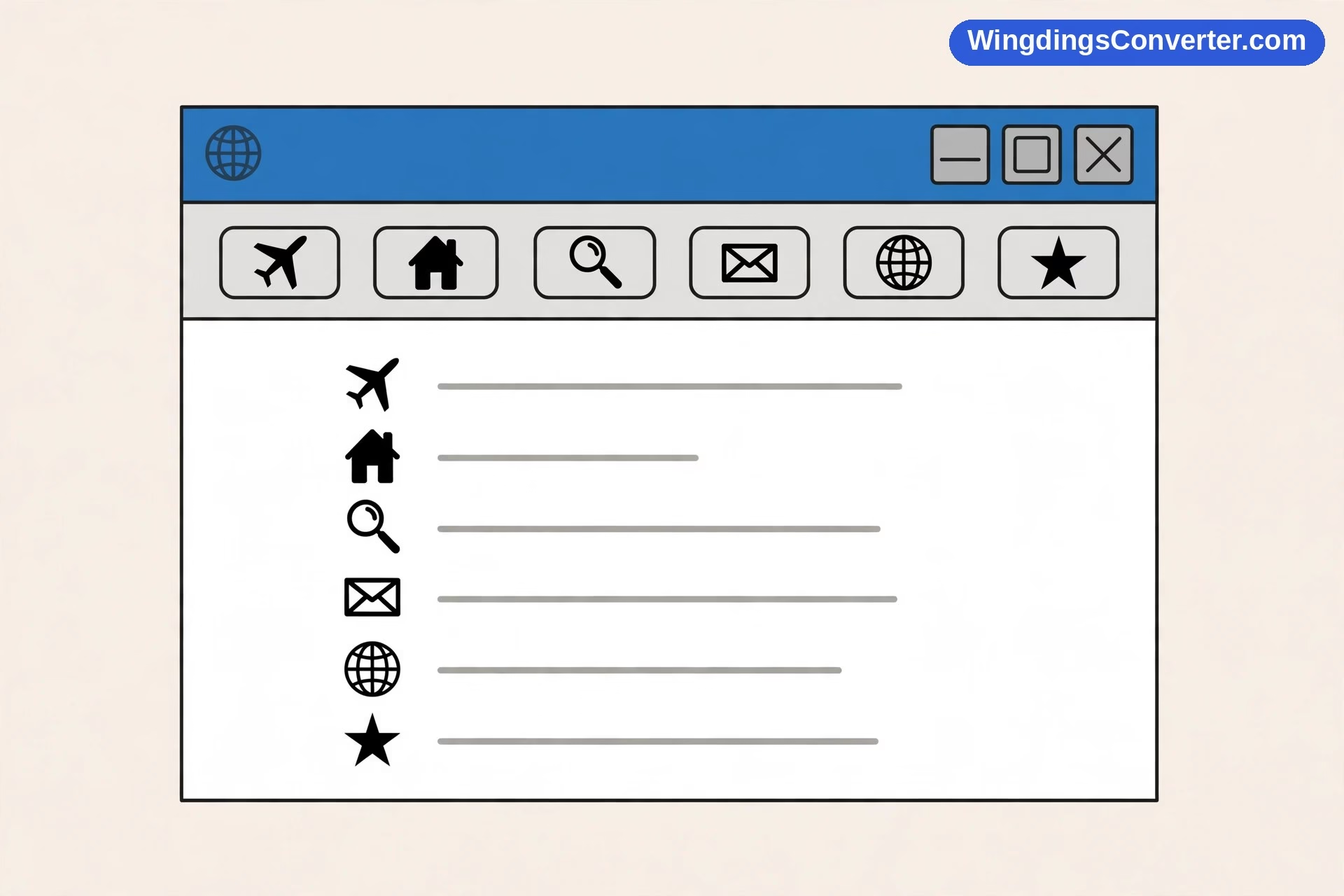
The intention is right there in the name. Not “Officedings” or “Printdings.” Webdings. The font was designed for early web use: icons for navigation and user-interface-style glyphs that a page designer could drop into a layout as easily as typing a letter. Need something to mark a home link, a search function, a location, a piece of media? Instead of creating, uploading, and waiting for a separate image file to crawl down a dial-up line, you typed.
To put that in perspective, think about what a web designer today would reach for instead: an SVG icon set, an icon font built on proper standards, emoji, or a design system supplied by a framework. None of that infrastructure existed in a mature form in 1997. Webdings was a bridge technology — a way to make pages look designed, using the one delivery vehicle every system already understood: text.
Wikipedia’s Webdings article is the quickest reliable reference for the release and bundling facts, if you want to check them against a source.
What kinds of symbols does Webdings contain?
Spend a few minutes browsing the full character set and a personality emerges. Where Wingdings feels like a miscellaneous drawer — a bit of everything, from faces to office objects — Webdings feels like signage.
Its glyphs lean towards:
- Navigation and interface ideas — the sort of marks you would place beside links, directions, and controls.
- Communication and information — symbols connected with mail, messages, and finding things out.
- Travel and places — glyphs suggesting transport, locations, and the wider world.
- Media and everyday activities — pictures relating to sound, images, leisure, and common tasks.
- Weather and the outdoors — simple, bold shapes that still read clearly at very small sizes.
That last quality — legibility at tiny sizes — is a real design achievement. Webdings glyphs tend to be bold, simple silhouettes with strong shapes, because they were meant to be read at icon size on the fuzzy, low-resolution monitors of the late 1990s. Blow one up large today and it can look chunky. Shrink it to the size it was designed for and it suddenly makes sense again.
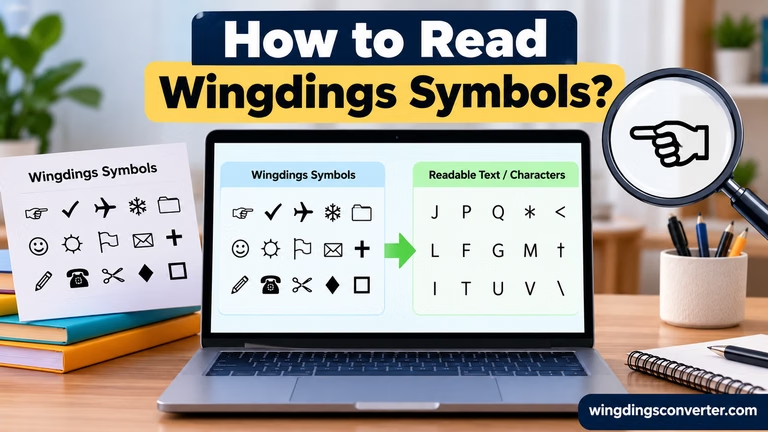
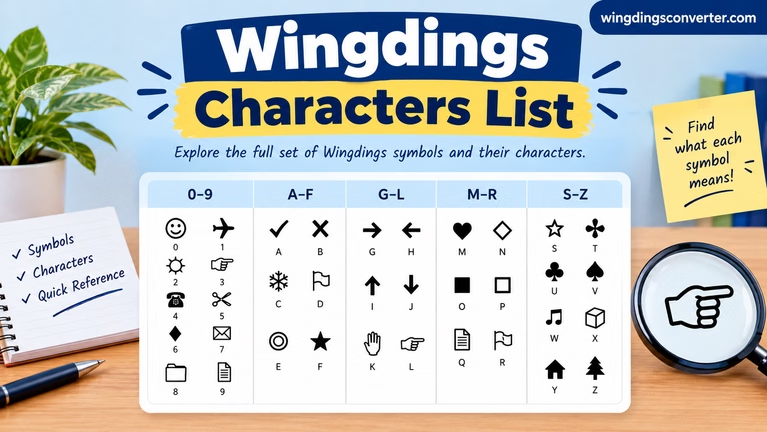
Because Webdings assigns pictures to ordinary characters, published “what does each key mean?” charts vary in reliability, and the only mapping worth trusting is the one you test in the font itself, on your own machine. Unlike Wingdings — where a few mappings like the J/K/L faces are genuinely famous — Webdings has no single letter-to-picture pairing that became a cultural reference point. Its identity is the whole set, not one character.
How Webdings works, in plain terms
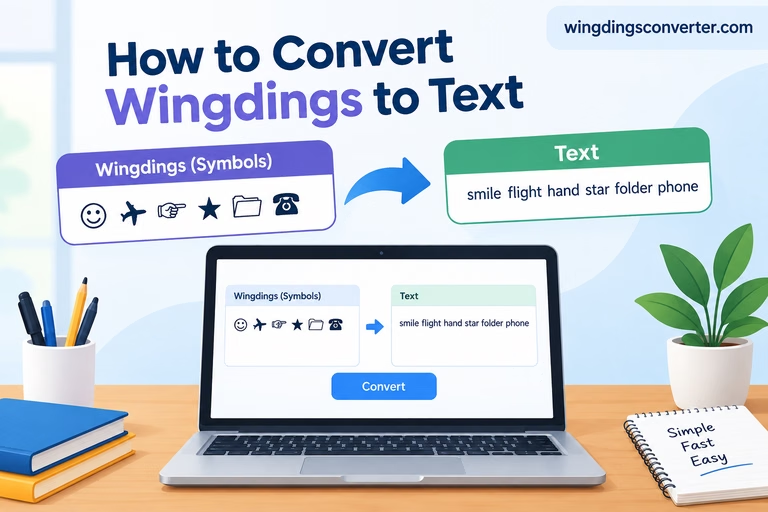
Select any text, change its font to Webdings, and each character is redrawn as its assigned glyph. Change the font back, and the letters return, untouched. Make the “text” bigger and the icons get bigger. Change the text colour and the icons change colour with it.
That behaviour made Webdings wonderfully flexible for its era — and explains its fatal weakness in ours. The pictures are not really in your document or page; only letters and a font name are. So:
- On a system without Webdings installed, the icons may be replaced by another font’s letters, or by empty boxes.
- Copy the symbols into software that discards font information, and they revert to ordinary characters.
- Search engines and screen readers encounter letters, not icons, so the visual meaning is lost to them.
None of this was a secret or a design failure in 1997, when most Webdings content was viewed in Internet Explorer on Windows machines that all had the font. It is simply what happens when a bundled-font assumption meets a world of phones, tablets, and dozens of different platforms. Our comparison of Wingdings vs Webdings explores how the two siblings share this exact strength and weakness.
Webdings and the wider dingbat family
Webdings did not appear from nowhere. It belongs to a family of ideas that type designers call dingbats — fonts of ornaments and pictures instead of letters — which long predate personal computers in the printing trade. Wingdings, released by Microsoft in 1990 and designed by Charles Bigelow and Kris Holmes of Type Solutions, brought the idea to the desktop mainstream. Webdings followed seven years later, re-aimed at the web.
The family kept branching on the document side too: Wingdings 2 and Wingdings 3 also exist, each a separate font with its own symbol assignments, concentrating mostly on items like circled numbers, formal markers, arrows, and geometric shapes. Webdings never received numbered sequels of its own — one more hint that it was a product of a specific moment rather than a long-term platform.
If the whole category fascinates you, our overview of dingbat fonts explained traces the idea from hot-metal printing ornaments to the emoji era.
Where you will still encounter Webdings today
You are unlikely to meet Webdings in a brand-new website. Modern browsers, coding standards, and accessibility expectations have moved the web to far better icon solutions, and relying on a Windows-era font would break for a large share of visitors.
Where Webdings does still surface is in older material:
- Legacy Word and Office documents from the late 1990s and 2000s, where someone used it for bullet markers, section decorations, or little icons beside headings.
- Old templates and clip resources that were built when the font was guaranteed to be on the target machine.
- Archived web pages and retro projects deliberately recreating the look of the early web.
- Font menus themselves — scroll through the font list on a Windows machine with Office and Webdings is very often still sitting there, installed and waiting, decades after its moment passed.
Opening those old documents is also where people meet the font’s failure mode. If the icons in a vintage file show up as random letters, you have not found a coded message; you have found text whose Webdings formatting was lost. Reapply the font — or view the file on a system that has it — and the icons return. For contrast, that trick works with Wingdings text too, as our guide to turning normal text into Wingdings shows from the other direction.
Should you ever use Webdings now?
Honestly, only in narrow circumstances. If you are restoring or recreating a period document, working entirely inside Microsoft Office, and exporting the finished result to PDF so the appearance is frozen, Webdings can still do its old job perfectly well. It can also be fun for retro designs and early-web nostalgia projects, where its chunkiness is the point.
For anything public-facing and new — a website, an email, a shared document, an app — choose a modern alternative. Unicode symbols give you portable, searchable characters. Proper icon systems give you consistent, scalable graphics. Emoji give you colour and universal support. Each of those options was, in a sense, invented to solve the exact portability problem that Webdings could never escape.
That is not a sad ending for the font. Webdings did what it was designed to do, for the web that existed in 1997, and it did it at massive scale through Internet Explorer 4 and Windows. Technologies are allowed to be finished. The Webdings entry on Wikipedia and the font sitting quietly in your font menu are its well-earned retirement.
Frequently asked questions
What is Webdings font used for?
It was designed to supply small icons for early web pages and screen interfaces — navigation, communication, travel, media, and similar UI-style glyphs — without needing separate image files. Today it mostly appears in legacy Office documents, old templates, and retro or nostalgia projects.
When was Webdings released, and what did it ship with?
Webdings was released by Microsoft in 1997. It shipped with Internet Explorer 4 and with Windows, which put it on a huge number of computers at the height of the early web.
Is Webdings the same as Wingdings?
No. They are separate fonts with separate symbol assignments, made for different purposes. Wingdings (1990) targeted documents and print with an eclectic mix of glyphs. Webdings (1997) targeted the web with more interface-like icons. Mechanically both work the same way, by mapping keyboard characters to pictures.
Why do Webdings symbols sometimes appear as letters or boxes?
Because the picture only exists when the Webdings font is present and applied. Without it, a system shows the underlying ordinary characters or a placeholder box. This is the standard weakness of all symbol-mapped fonts from that era.
Can I use Webdings on a website today?
Technically you can name it in a font stack, but practically you should not rely on it. Many visitors — especially on phones, Macs without Office, and other platforms — will not have the font, so your icons will fail for them. Use Unicode symbols, SVG icons, or emoji instead.
Is Webdings still installed on modern computers?
Often, yes, on Windows systems and machines with Microsoft Office, where it persists in the font list long after its heyday. Availability elsewhere is inconsistent, which is precisely why new projects should not depend on it.
Conclusion
So, what is Webdings font? It is Microsoft’s 1997 answer to a young web that desperately needed icons: a dingbat font, bundled with Internet Explorer 4 and Windows, that mapped ordinary characters to bold, screen-ready pictures for navigation and interface use.
Its story is really the early web’s story — ingenious within its limits, everywhere for a while, and then quietly replaced by better standards. You will probably never need it for new work. But the next time you scroll past it in a font menu, you will know exactly what moment in computing history you are looking at.