Wingdings Alphabet: A Complete Guide to Letters, Symbols, and Conversion
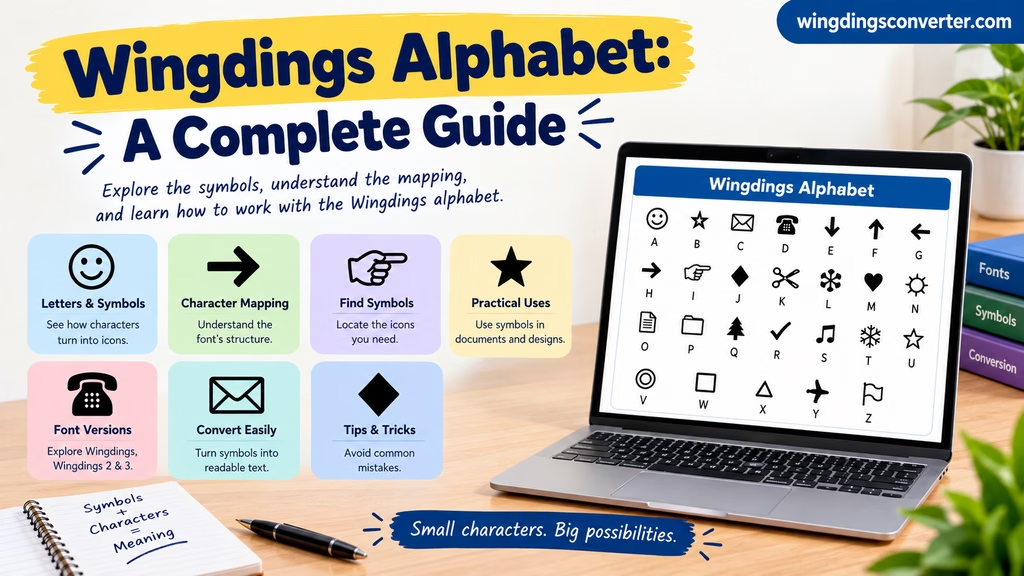
The Wingdings alphabet can be confusing at first because it does not look like a normal alphabet. Instead of displaying familiar letters such as A, B, and C, the Wingdings font uses character positions to display symbols, including arrows, shapes, hands, and other pictorial designs.
If you are looking for a Wingdings alphabet chart, want to understand how letters turn into symbols, or need to convert Wingdings characters back into readable text, the key is understanding how the font works.
This guide explains the relationship between the English alphabet and Wingdings, how to find the symbols you need, and how to work with Wingdings without mixing up the visible symbols and the underlying characters.
What Is the Wingdings Alphabet?
Wingdings is a symbol font developed by Microsoft. Unlike a standard text font, which displays letters as readable alphabetic characters, Wingdings uses many character positions to display pictorial symbols.
For example, when you type a character in a regular font, you might see the letter A. When the same character is displayed using a symbol font, it may appear as a picture instead.
This means Wingdings does not have a conventional English alphabet made up of recognizable A-to-Z letters in the way Arial or Times New Roman does.
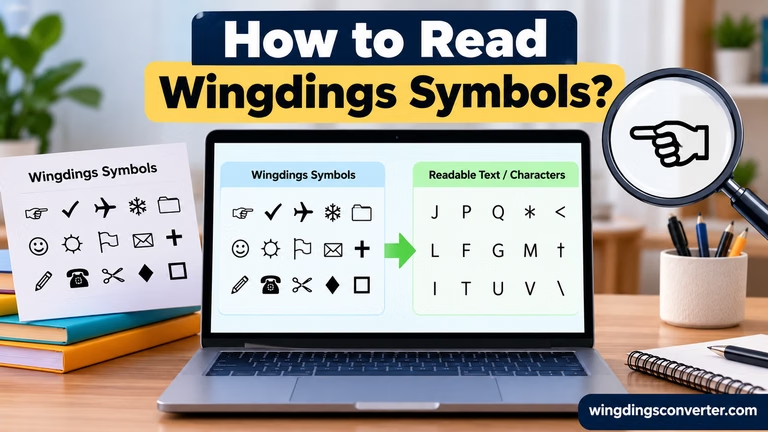
People often use the phrase Wingdings alphabet to describe the symbols associated with keyboard characters, or a chart showing which character produces which symbol.
Understanding that distinction makes it much easier to read Wingdings charts and use conversion tools correctly.
You can also visit: Wingdings Characters List: Symbols, Keyboard Mappings, and How to Use Them
Is There an A-to-Z Wingdings Alphabet Chart?
There is no ordinary A-to-Z alphabet in Wingdings where each symbol is simply a pictorial version of the corresponding English letter.
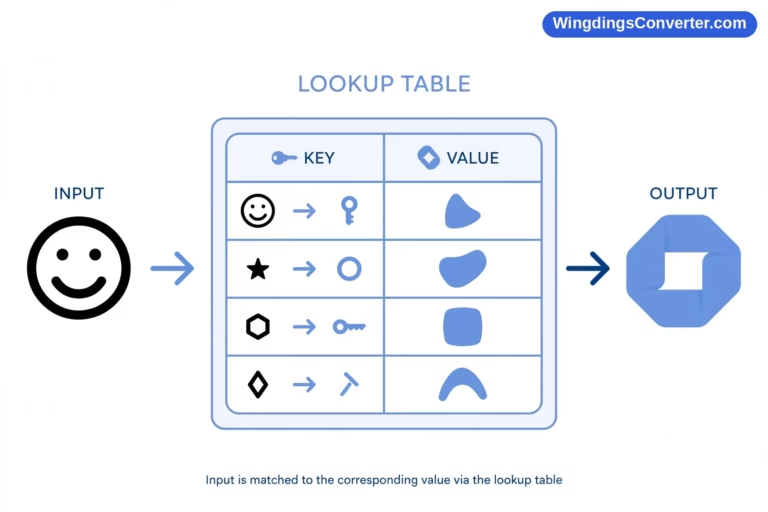
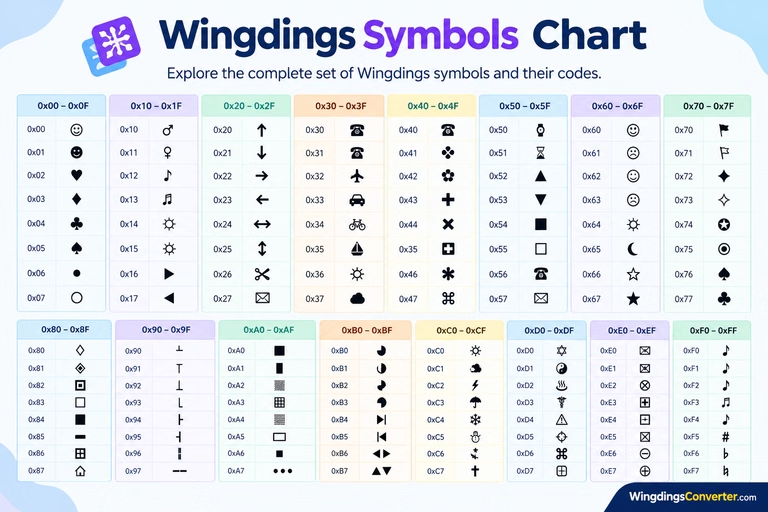
Instead, the font maps character positions to symbol designs. A chart can show the symbol associated with each supported character, but the mapping depends on the particular font.
For this reason, a reliable Wingdings alphabet chart should identify the font version and show the corresponding character inputs or codes.
Here is a simple illustration of the difference:
| Regular text | What it represents in Wingdings |
|---|---|
| A | The symbol assigned to that character position |
| B | The symbol assigned to that character position |
| C | The symbol assigned to that character position |
| 1 | The symbol assigned to that character position |
| ? | The symbol assigned to that character position |
The actual symbols are not listed in this table because their exact appearance depends on the font mapping being referenced. Guessing them without a verified chart could lead to incorrect information.
The main point is that Wingdings is a font-based symbol system, not a separate alphabet in which every English letter has a universal pictorial equivalent.
How to Find Wingdings Symbols for Letters
If you want to discover which symbol appears when you type a particular character, you can use a font reference chart or inspect the character in a compatible application.
Method 1: Use a Wingdings character chart
A character chart is useful when you want to browse the available symbols visually.
Look for a chart that identifies the exact font, such as Wingdings, Wingdings 2, or Wingdings 3. These are different fonts, so their character mappings should not be assumed to match.
Once you find a suitable chart:
- Locate the keyboard character or character code.
- Look at the symbol displayed beside it.
- Confirm that the chart matches your font version.
- Test the character in your application if you need to reproduce the symbol.
This method works well when you are searching for one particular symbol rather than converting a large amount of text.
Method 2: Check the font in Microsoft Word
If you already have a Word document containing Wingdings symbols, you can inspect its formatting.
- Open the document.
- Select a symbol or a short section of the text.
- Check the font name in Word’s font controls.
- Record the exact font name.
- Use a compatible character chart or decoding method to investigate the character.
Be careful when changing the font to a regular text font. A Wingdings symbol may turn into a letter or punctuation mark, but that does not necessarily mean you have translated its intended meaning.
The underlying character and the visible symbol are two different things.
How to Convert Wingdings Symbols Into Text
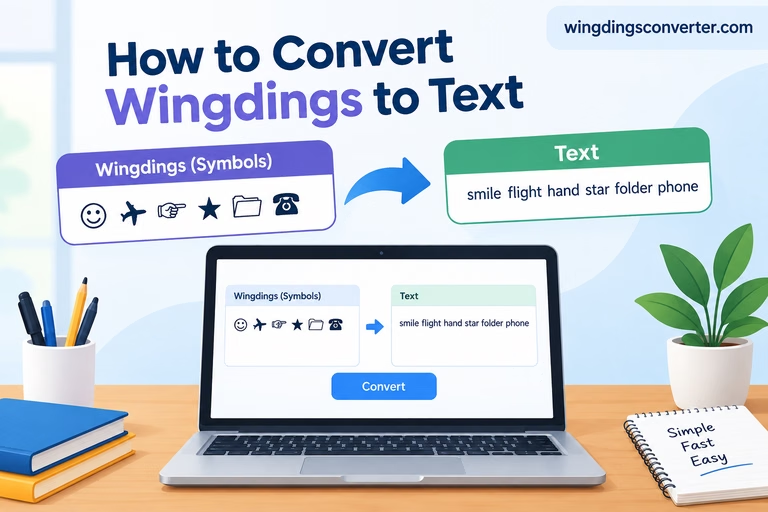
Sometimes, you may have a sequence of Wingdings symbols and want to understand what characters produced them.
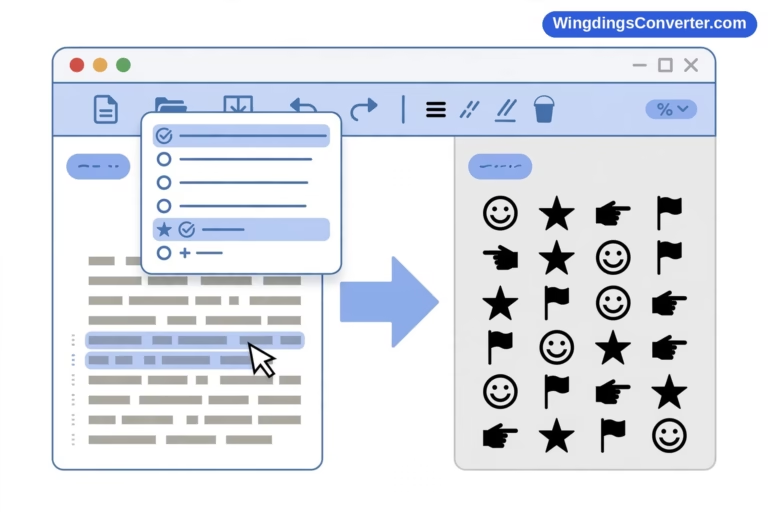
The Wingdings Converter on WingdingsConverter.com can help with supported conversion tasks. The correct method depends on whether you are converting ordinary characters into Wingdings symbols or interpreting characters that were originally displayed in Wingdings.
Follow these steps:
- Visit WingdingsConverter.com.
- Open the Wingdings Converter tool.
- Select the conversion direction that matches your task.
- Enter or paste the available text.
- Review the result and compare it with the original material.
Keep in mind that a converter needs the correct input and a compatible mapping to produce meaningful results.
For instance, copying a symbol from a Word document may preserve its underlying character without preserving the font formatting. Pasting that character into another application can make it appear as an ordinary letter instead of a symbol.
If your input comes from a screenshot, the situation is different because the screenshot contains image pixels rather than editable characters. You may need to identify the symbols from their appearance before converting them.
Wingdings vs. a Normal English Alphabet
The difference between Wingdings and a regular alphabet becomes clearer when you compare how the two font types display characters.
| Feature | Regular text font | Wingdings |
|---|---|---|
| Main purpose | Display readable text | Display pictorial symbols |
| Appearance of letters | Familiar letters and numbers | Symbols mapped to character positions |
| Typical use | Documents, articles, and messages | Icons, visual markers, and decorative elements |
| Reading method | Read the displayed text | Identify symbols and understand their context |
| Character mapping | Standard text characters are displayed as letters | Character positions are displayed using symbol designs |
A regular font is designed primarily for reading words. Wingdings is designed to display symbols.
Neither is inherently better than the other. They serve different purposes, and the right choice depends on what you want to create.
What Can You Use the Wingdings Alphabet For?
Although Wingdings does not provide a conventional pictorial A-to-Z alphabet, the font can be useful in several situations.
Adding symbols to documents
Wingdings can provide visual markers for lists, diagrams, forms, and other documents. A suitable symbol can help draw attention to an instruction or separate one item from another.
However, symbol availability and appearance depend on the font and application.
Understanding old documents
You may encounter Wingdings in older Word files or documents created on another computer. A character that appears as a symbol in the original document may look like a letter or another character when opened elsewhere.
Identifying the font helps explain this difference.
Exploring symbol-based puzzles
Some people use Wingdings symbols to create puzzles or represent messages. In these cases, you need to determine whether the symbols are simply font-rendered characters or part of a separate substitution system.
A Wingdings conversion tool may help identify the underlying characters, but additional clues may be needed to solve a deliberately constructed code.
Creating decorative designs
The font can also be used for visual decoration. Symbols may serve as bullets, markers, or small illustrations in a layout.
If you are sharing the document with other people, remember that its appearance may change if the required font is unavailable on their devices.
Why Do Wingdings Letters Turn Into Symbols or Random Characters?
This usually comes down to font formatting or character mapping.
When a character is displayed through Wingdings, the font determines which symbol appears on the screen. If you copy the character into a different application, the original font may not travel with it.
As a result, the character may display as an ordinary letter or punctuation mark.
Other problems can occur if:
- You use a chart for the wrong Wingdings font.
- The receiving device does not have the required font.
- The text was copied from a PDF or converted document that changed the characters.
- You are trying to decode an image rather than editable text.
- The conversion tool does not support the mapping used by the source.
To troubleshoot the problem, return to the original document if possible, identify the exact font, and compare the character against a matching reference chart.
Avoid assuming that every unusual symbol represents a secret letter. Some symbols are simply decorative, and their meaning depends on the context.
Frequently Asked Questions
Does Wingdings have letters A to Z?
Wingdings does not display a conventional English A-to-Z alphabet in the same way as a normal text font. It maps character positions to pictorial symbols instead.
Can I type my name in Wingdings?
You can type your name while using the Wingdings font, but the result will generally be a sequence of symbols rather than readable English letters. The displayed symbols depend on the font mapping.
Are Wingdings and Wingdings 2 the same?
No. Wingdings and Wingdings 2 are separate fonts. Their symbol sets and character mappings should not be assumed to be identical.
Can Wingdings symbols be converted back into English?
A compatible converter can help recover or interpret underlying characters when the input and mapping are appropriate. However, the process does not automatically translate every symbol into a meaningful English word.
Why does Wingdings look different on my computer?
The font may be missing, the document may use a different font version, or the application may handle the formatting differently. Check the font name and compare the result with the original document.
Final Thoughts
The Wingdings alphabet is best understood as a collection of symbols mapped to character positions, rather than a separate alphabet with a pictorial version of every English letter.
If you want to identify a symbol, start with a character chart that matches your font version. If you need to work with a sequence of characters, the Wingdings Converter on WingdingsConverter.com can help with supported conversions.
Once you understand the relationship between the underlying character and the symbol displayed by the font, Wingdings becomes much easier to explore and use.