Wingdings vs Webdings: What’s the Difference?
People often lump Wingdings and Webdings together, and honestly, it is an easy mistake to make. The names rhyme. Both come from Microsoft. Both turn keyboard characters into little pictures instead of letters. If you open the font menu in Word, they sit near each other, looking like close relatives.
They are related — but they were made seven years apart, for two quite different worlds. Wingdings belongs to the era of desktop documents and printed worksheets. Webdings belongs to the early web, when designers needed small icons for pages and had almost no decent way to get them. Understanding the Wingdings vs Webdings difference is mostly a story about what changed in computing between 1990 and 1997.
Wingdings vs Webdings at a glance
| Feature | Wingdings | Webdings |
|---|---|---|
| Released | 1990 | 1997 |
| Creator / origin | Designed by Charles Bigelow and Kris Holmes of Type Solutions, released by Microsoft | Microsoft font designed for early web use |
| Shipped with | Windows and Microsoft Office | Internet Explorer 4 and Windows |
| Original purpose | Decorative symbols for documents and print | Small icons for web pages and screen interfaces |
| Symbol style | Mixed everyday objects, faces, stars, hands, office and zodiac-style glyphs | More web and UI-flavoured: navigation, media, travel, communication icons |
| How it works | Maps keyboard characters to glyphs instead of using Unicode code points | Also a symbol-mapped font, working the same basic way |
| Best known for | J = smiling face, K = neutral face, L = sad face; check mark at ü (code 252) | Being used as a quick icon set in early websites and Microsoft documents |
| Still useful for | Worksheets, puzzles, document markers, nostalgic codes | Legacy documents, icon-style decoration where the font is available |
| Main weakness | Does not travel well between devices; can revert to letters or boxes | Same portability problem, plus it feels dated as a web solution |
The table makes them sound almost identical, and mechanically they are close. The interesting differences are purpose, flavour, and the moment in history each one was trying to serve.
Where Wingdings came from
Wingdings arrived in 1990, before most people had any contact with the web at all. Documents were the centre of personal computing. You typed something in a word processor, you printed it, and if you wanted it to look less plain, your options were limited.
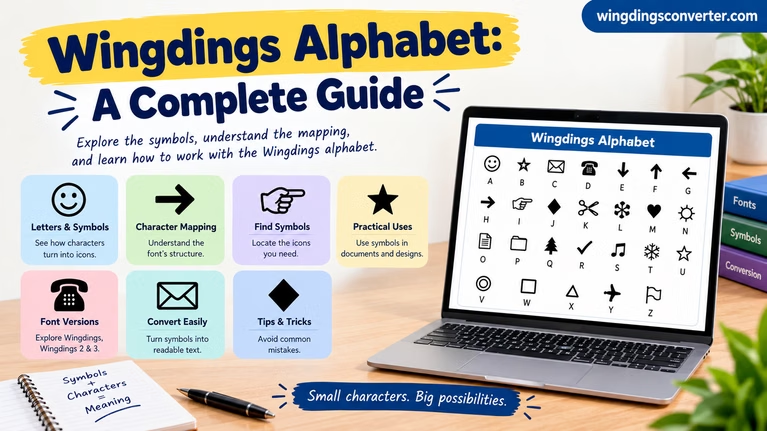
A dingbat font solved a real problem. Instead of inserting clip art files — slow, clunky, and not always available — you could simply change the font and type. Need a star to mark an important line? Type a character. Need a tick? Wingdings had one. Need a little face to show approval or disapproval? J, K, and L gave you a smiling, neutral, and sad face, which is probably the single most remembered mapping in the whole font.
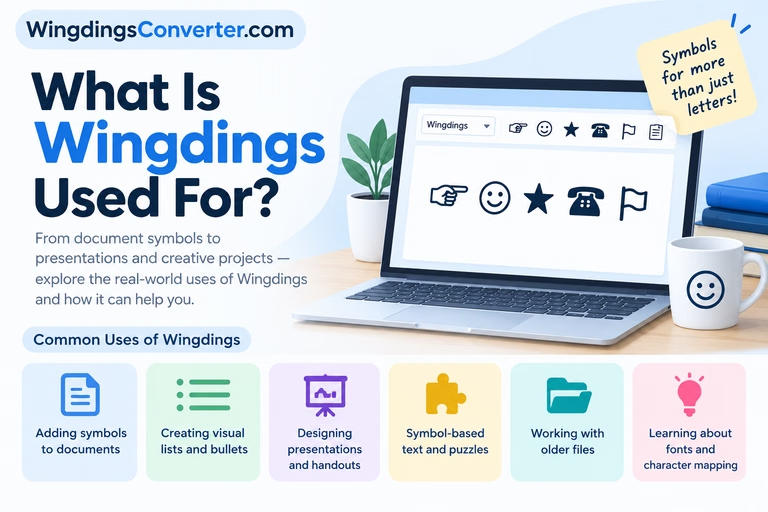
That document-first thinking shows in the symbol choices. The set feels like the contents of a desk drawer mixed with a printer’s ornament box: everyday objects, pointing hands, decorative shapes, astrological and miscellaneous signs. It was a general-purpose grab bag, meant to be dipped into whenever a document needed a small picture.
For a fuller history of that era and design approach, Wikipedia’s Wingdings article covers the release background well.
Where Webdings came from
By 1997, the problem had changed. People were building web pages, and web pages needed icons: back, forward, home, play, pause, search, mail, maps, travel, media controls. Downloading separate image files for every tiny icon was slow on dial-up connections, and matching their size and colour was a headache.
Webdings, released in 1997 and shipped with Internet Explorer 4 and Windows, was Microsoft’s attempt to give web designers an icon set hidden inside a font. Choose the font, type a character, and you had a small pictogram you could colour and resize like text. No separate image file, no long download.
That web-first intention shows in its flavour. Webdings leans more towards interface and information icons — the sort of glyphs you would use to label a link, a location, a service, or a media action. Where Wingdings feels like ornaments for paper, Webdings feels like signage for a screen.
Wikipedia’s Webdings article gives a concise account of that Internet Explorer 4 context if you want the primary dates and details checked in one place.
How they work: the same trick, wearing different clothes
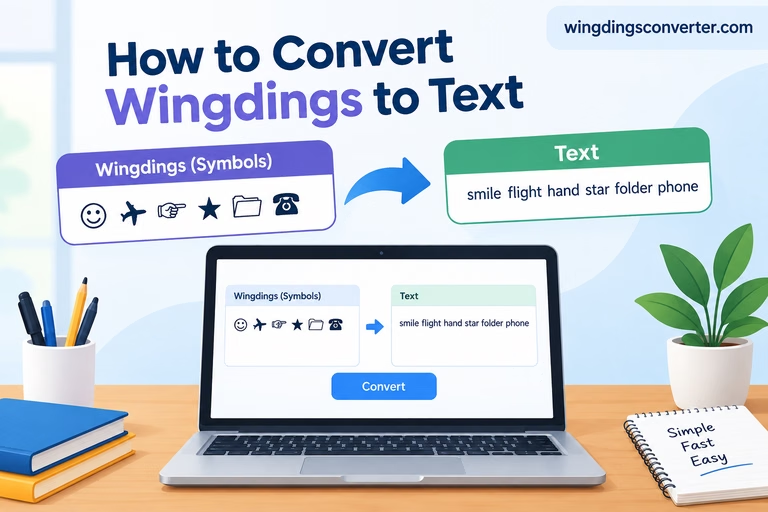
Underneath, the Wingdings vs Webdings comparison is a draw. Both fonts use the same trick: an ordinary character code is assigned a picture instead of a letter shape.
That is not how modern fonts are supposed to work, and it is not how Unicode works. In a normal, standards-based system, a character has its own dedicated code point, and any suitable font draws it consistently. With Wingdings and Webdings, the picture only exists because that specific font is selected. Remove the font and the picture goes with it.
This has practical consequences you will run into quickly:
- Copy symbols into an app that drops the font name, and they may turn back into ordinary letters.
- Open a document on a machine without the font, and a substitute font may draw something completely different, or an empty box.
- Search engines, screen readers, and text tools see letters where you see pictures, so the meaning is invisible to them.
Neither font wins on this front. If portability matters, both lose to proper Unicode symbols — a point we explore more fully in our Wingdings vs Unicode comparison.
Symbol style: desk drawer vs. control panel
If you browse both fonts side by side, the personality difference becomes clearer than any list of dates.
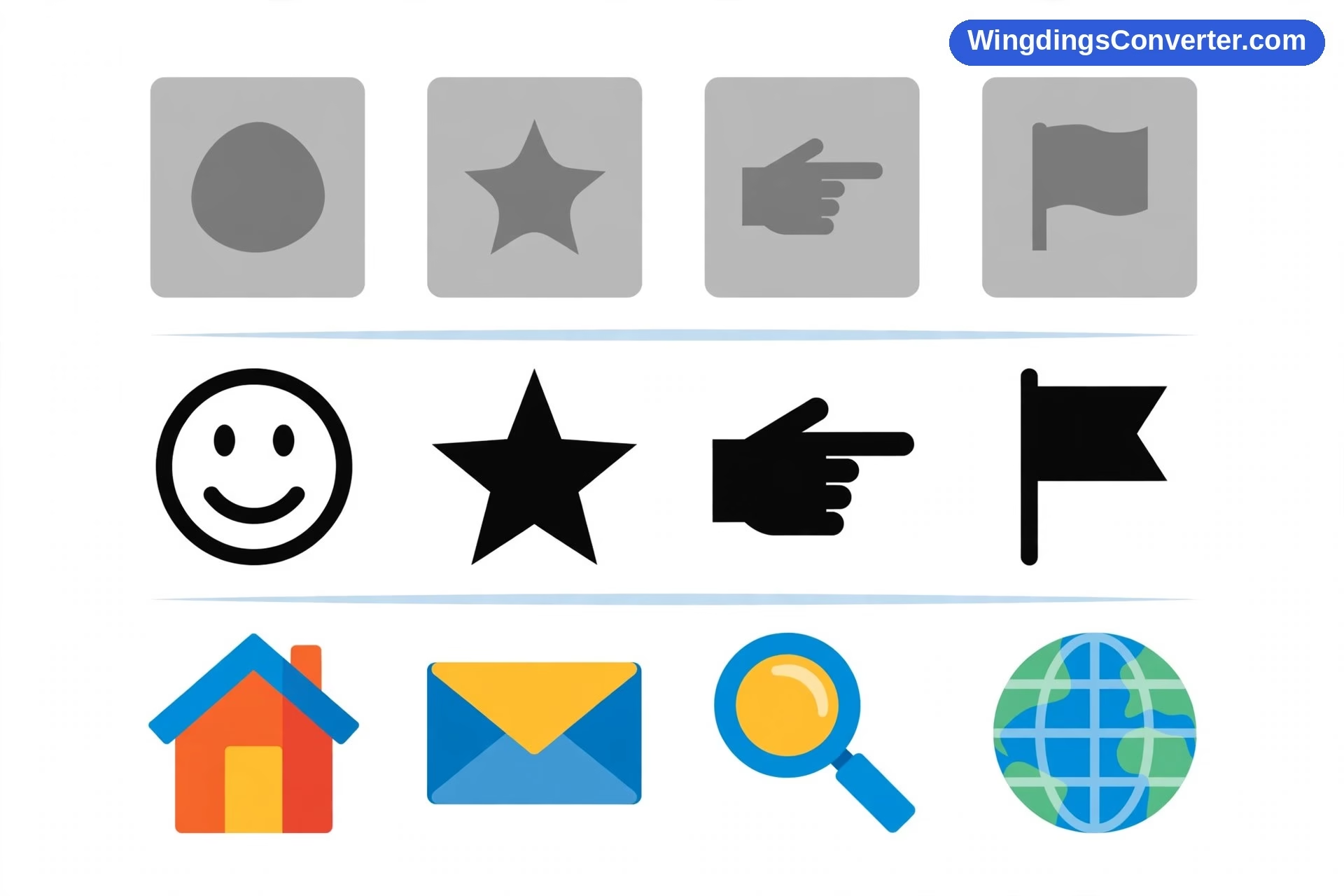
Wingdings is eclectic. It mixes the practical — check marks, faces, arrows — with the decorative and occasionally the odd. It feels designed by people asking, “What small pictures might a document maker want, sooner or later, for any reason?” The answer turned out to be “a surprising number, in no obvious order.”
Webdings is narrower and more purposeful. Its glyphs look like they were drawn to sit next to links and buttons. Even now, some of them read like ancestors of the icons we still use on phones and websites today: simple silhouettes, bold shapes, designed to be understood at a tiny size on a low-resolution screen.
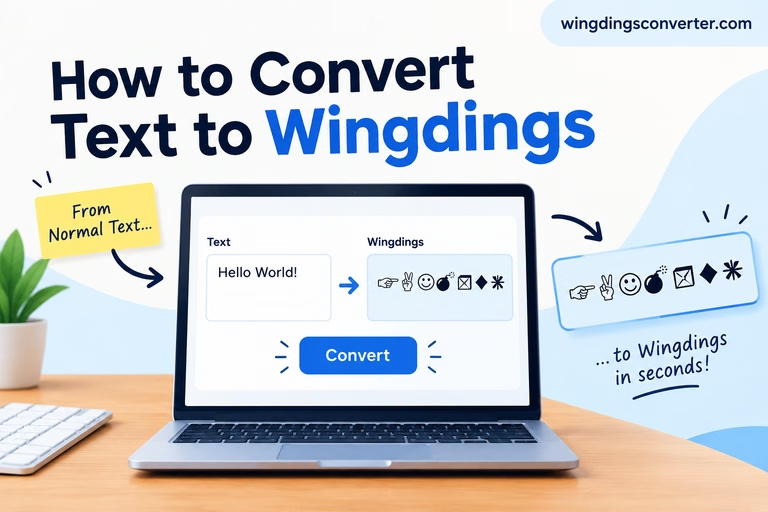
That difference matters if you are choosing one for a project. For a printable puzzle, a classroom handout, or a hidden message using letters, Wingdings is usually the better fit because that is what its mapping was built around. In fact, our guide on how to turn normal text into Wingdings uses exactly that text-to-symbols logic. For small decorative icons inside an old-style Microsoft document, Webdings can look more coherent — as long as you remember its limits.
What about Wingdings 2 and Wingdings 3?
Any comparison should mention the siblings, because they confuse people constantly. Wingdings 2 and Wingdings 3 also exist, and they are separate fonts with separate mappings.
Wingdings 2 leans towards circled and boxed numbers and letters, hands, and more formal document markers. Wingdings 3 is largely arrows and geometric shapes. Neither is a newer, improved version of the original in the way software versions are. Selecting the wrong one will not give you a slightly different result; it will give you entirely different symbols.
Webdings has no equivalent numbered family, which at least makes it simpler to identify. If it says Webdings, you know which map you are dealing with.
Availability then and now
In their heyday, both fonts were easy to find because Microsoft put them everywhere that mattered at the time. Wingdings rode along with Windows and Office into offices, schools, and homes. Webdings arrived with Internet Explorer 4 and Windows at the peak of the browser wars, which put it on a huge number of machines almost overnight.
Today the picture is patchier. Windows systems with Office will very often still have both. Macs may have them if Office is installed. Phones, tablets, Chromebooks, and web apps are a different story: support is inconsistent, and many platforms will substitute something else without warning you.
That inconsistency is the main reason neither font should be used for anything that absolutely must look right on someone else’s screen. For a modern web page, designers now use proper icon fonts, inline SVG images, emoji, or Unicode symbols — all of which were built to survive the journey between devices in a way these 1990s symbol fonts were not.
If you are curious about Webdings on its own terms, rather than as Wingdings’ younger sibling, our explainer on what the Webdings font is goes deeper into its symbol set and history.
Which one should you use?
It depends on what you are actually making, so let’s be practical.
Choose Wingdings if you are encoding text. Puzzles, secret messages, worksheets, feedback faces, check marks — anything where a letter needs to become a symbol and possibly become a letter again. Wingdings is the font with the famous mappings and the converter tools built around it.
Choose Webdings if you want a small set of icon-like decorations inside a Microsoft document that will be printed or exported to PDF, and you prefer its cleaner, more interface-like shapes. Exporting to PDF matters: it freezes the appearance so the missing-font problem cannot undo your work.
Choose neither if the result has to work reliably on a website, in an email that will be read on many devices, or in any text that needs to be searchable, accessible, or understandable to a screen reader. In those cases a Unicode symbol or an actual image with a text description will serve the reader far better.
That last point is not a dismissal of either font. They were clever solutions to real constraints — limited memory, slow connections, few graphics tools. Those constraints are simply gone now, and the fonts are best treated as what they have become: fun, nostalgic, occasionally still handy tools for controlled, mostly offline jobs.
Frequently asked questions
What is the main difference in the Wingdings vs Webdings comparison?
Purpose and era. Wingdings (1990) was made to add decorative symbols to documents and print. Webdings (1997) was made to give early web pages small icons without separate image files. Mechanically they work the same way — each maps keyboard characters to pictures — but their symbol styles reflect those different jobs.
Is Webdings just a newer version of Wingdings?
No. Webdings is a separate font with its own mappings, not an update. A character that produces one symbol in Wingdings will produce a different symbol, or nothing useful, in Webdings. Wingdings also has its own separate siblings, Wingdings 2 and Wingdings 3, which are likewise distinct fonts.
Can I convert text between Wingdings and Webdings?
You can re-render the same underlying letters in either font by selecting the text and changing the font, and the symbols will change completely. But there is no meaningful symbol-to-symbol translation, because the two fonts were never designed as equivalent alphabets — they simply assign different pictures to the same keys.
Which font has the smiley face?
Wingdings. The capital J in Wingdings is the famous smiling face, with K as a neutral face and L as a sad face. Webdings does not use that letter-to-face mapping.
Why do Wingdings and Webdings symbols sometimes show as boxes or letters?
Because the picture depends entirely on the font being present and applied. If a device lacks the font, or an app removes the formatting when you paste, there is nothing to draw the symbol with. The system then falls back to plain letters or a placeholder box.
Are Wingdings and Webdings still used today?
Mostly in legacy documents, worksheets, puzzles, and novelty projects. Modern web and app design has moved to Unicode symbols, emoji, icon systems, and vector images, which display far more consistently across devices.
Conclusion
Wingdings vs Webdings is not really a contest with a winner. It is a before-and-after snapshot of 1990s computing: Wingdings serving the printed document in 1990, Webdings serving the brand-new web in 1997, both using the same character-for-picture trick to solve the problems of their moment.
Pick Wingdings when you want text turned into symbols. Pick Webdings when you want its particular brand of small, screen-style icons in a controlled document. And pick something more modern whenever the audience, the device, or the message actually matters.