Wingdings vs Emoji: How Are They Different?
At first glance, the Wingdings vs Emoji question looks like it should have a one-line answer. Both are little pictures that stand in for words and feelings. Both can make a plain message more playful. The Wingdings smiley and the modern emoji face even feel like distant cousins.
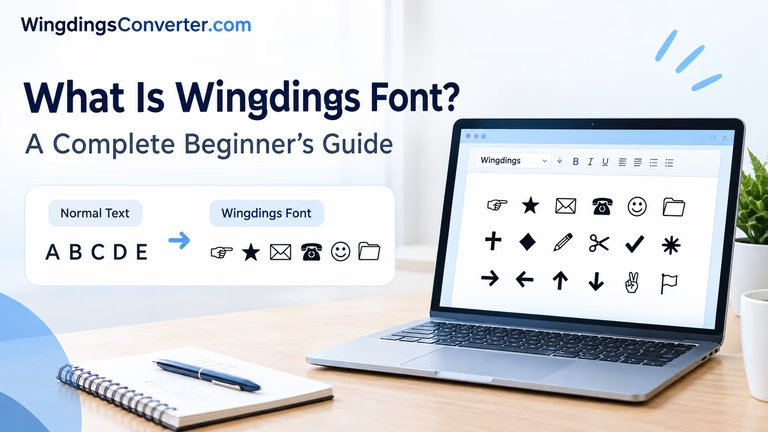
Look a little closer, though, and they turn out to be built on completely opposite ideas. Wingdings hides its pictures inside a font, disguised as ordinary letters. Emoji are official Unicode characters in their own right, drawn in full colour, and recognised by practically every phone and computer on the planet. One was a clever desktop shortcut from 1990. The other grew out of Japanese mobile phones in the late 1990s and became a global language of its own.
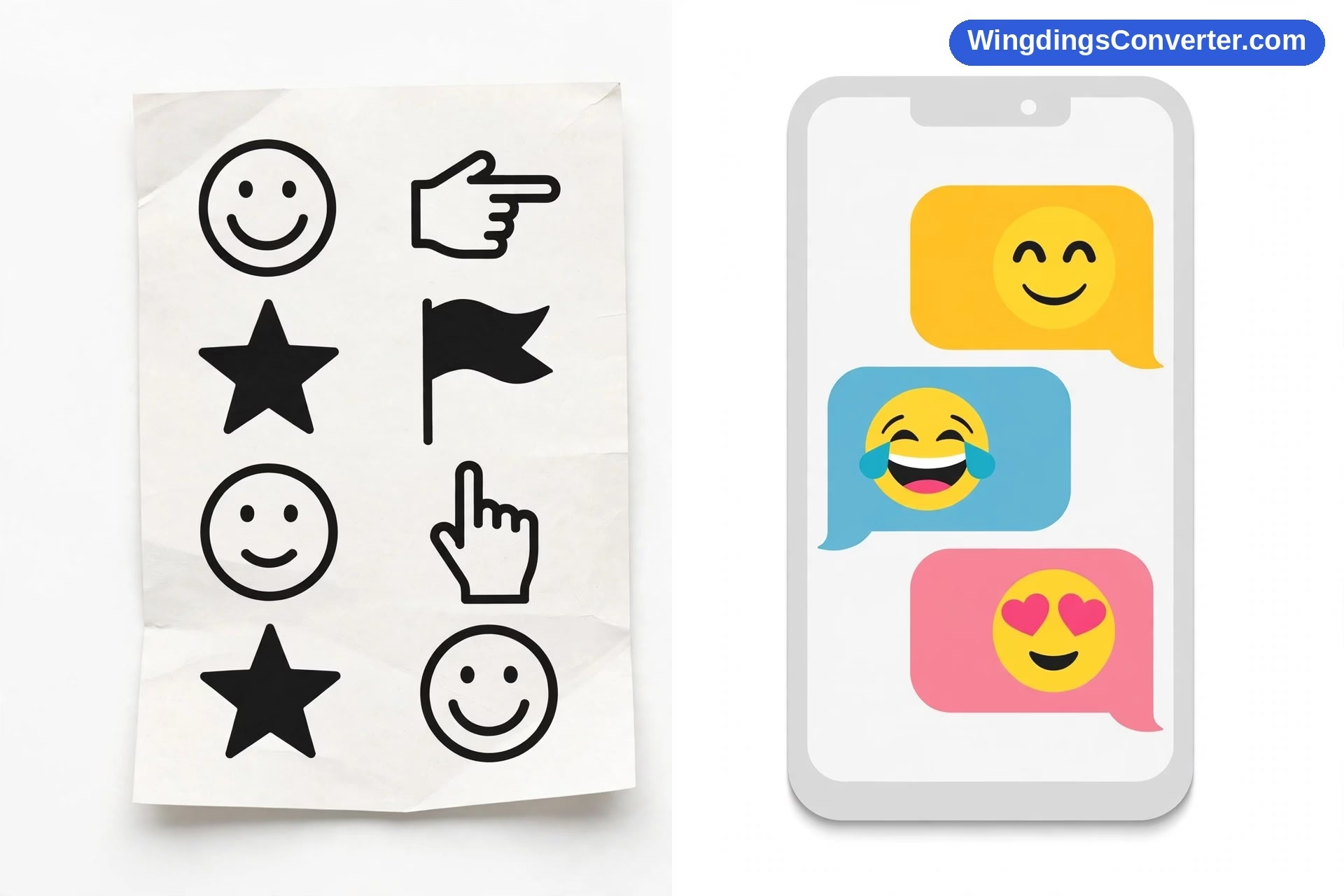
Wingdings vs Emoji at a glance
| Feature | Wingdings | Emoji |
|---|---|---|
| What it is | A symbol font | A set of pictorial characters standardised in Unicode |
| Origin | Released by Microsoft in 1990; designed by Charles Bigelow and Kris Holmes of Type Solutions | Originated on Japanese mobile phones in the late 1990s; the DoCoMo i-mode set from 1999, designed by Shigetaka Kurita, is the famous early example |
| Standardised in Unicode | No — maps keyboard characters to glyphs instead of using code points | Yes — incorporated into Unicode from Unicode 6.0 in 2010 |
| Colour | Single colour, usually black — it takes the text colour | Full colour, rendered by colour fonts |
| Identity of a picture | Borrowed: a J wearing a smiley costume | Its own: a dedicated code point for that emoji |
| Looks the same everywhere? | Only if the same font is installed and applied | No — each platform draws its own version, but it is always recognisably the same emoji |
| Copy and paste | Fragile; can revert to letters | Robust; travels between apps and devices |
| Typical use | Puzzles, worksheets, document markers, codes | Messages, social posts, reactions, casual communication |
| Search and accessibility | Tools see letters, not pictures | Systems can name and describe each emoji |
Where each one came from
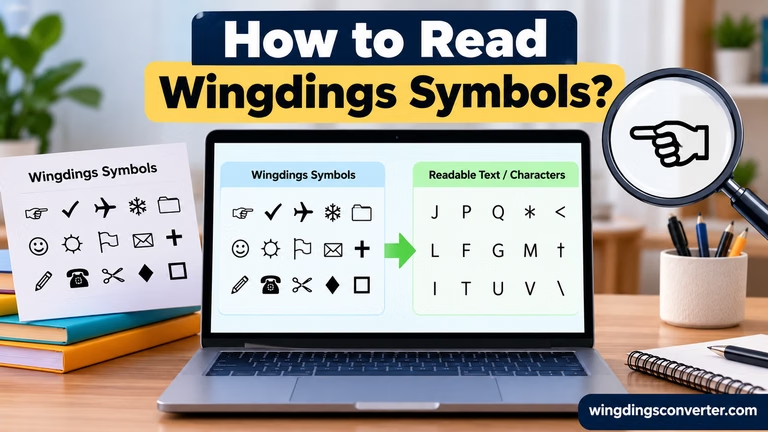
Wingdings is the older of the two, by almost a decade. Microsoft released it in 1990 for people making documents on personal computers. If your word processor felt bare and clip art was a hassle, Wingdings let you type a character and get a picture: a star, a hand, an envelope, a face. The celebrated examples are still the faces — J produces a smiling face, K a neutral face, and L a sad face — plus details like the check mark you get from ü, code 252.
Emoji began in a very different place: not at a desk, but in a pocket. In the late 1990s, Japanese mobile phone users were sending short text messages where tone was easy to lose. Small pictograms solved that problem beautifully. The set created for DoCoMo’s i-mode service in 1999, designed by Shigetaka Kurita, is the landmark early example — a couple of hundred simple, bold pictures designed for tiny screens and quick feelings.
For a while those Japanese emoji sets were islands: each carrier had its own, and they did not always work between networks. The big change came when emoji were standardised into Unicode, starting with Unicode 6.0 in 2010. After that, an emoji sent from one phone could be understood by another, anywhere in the world. That is the moment emoji stopped being a local feature and became universal infrastructure. Wikipedia’s Emoji article gives a good, sourced history of that journey.
The real difference: disguise vs. citizenship
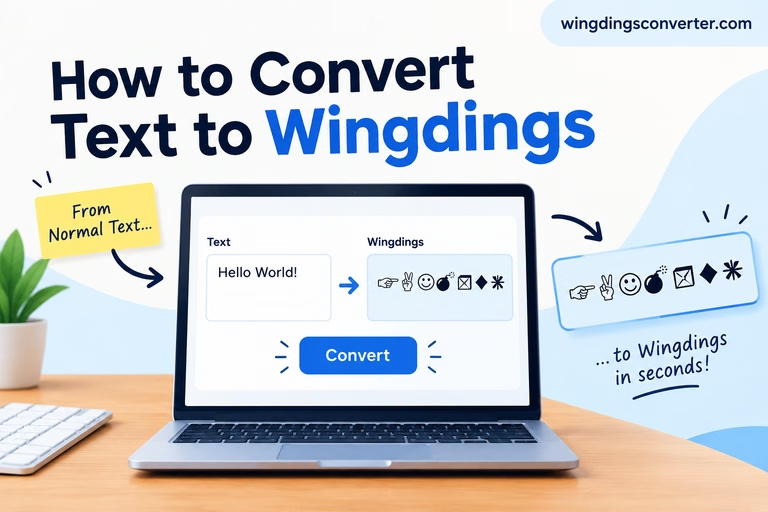
Wingdings pictures are disguises. The smiley you see when you type J in Wingdings is, as far as the computer’s text system is concerned, still the letter J. The font is doing all the acting. Take the font away — paste into a plain text field, open the file on a machine without Wingdings, send it through an app that strips formatting — and the act collapses. You get a J.
An emoji has citizenship. It holds its own Unicode code point, which means the text system itself knows this character is a picture of a face, a heart, a star, or a slice of pizza. There is no letter hiding underneath. That is why emoji survive copy and paste, why you can search for them by name in an emoji picker, and why a screen reader can announce them out loud to a blind user — something that is simply impossible when a letter is secretly wearing a costume.
If you want to understand the standard underneath emoji, our explainer on what Unicode is breaks it down in plain language, and our Wingdings vs Unicode comparison shows exactly where the Wingdings approach departs from it.
Why emoji look different on every platform
Newcomers to the Wingdings vs Emoji debate often assume emoji would be the consistent ones. Actually, emoji deliberately vary — and Wingdings, ironically, is the one that looks identical wherever its font is present.
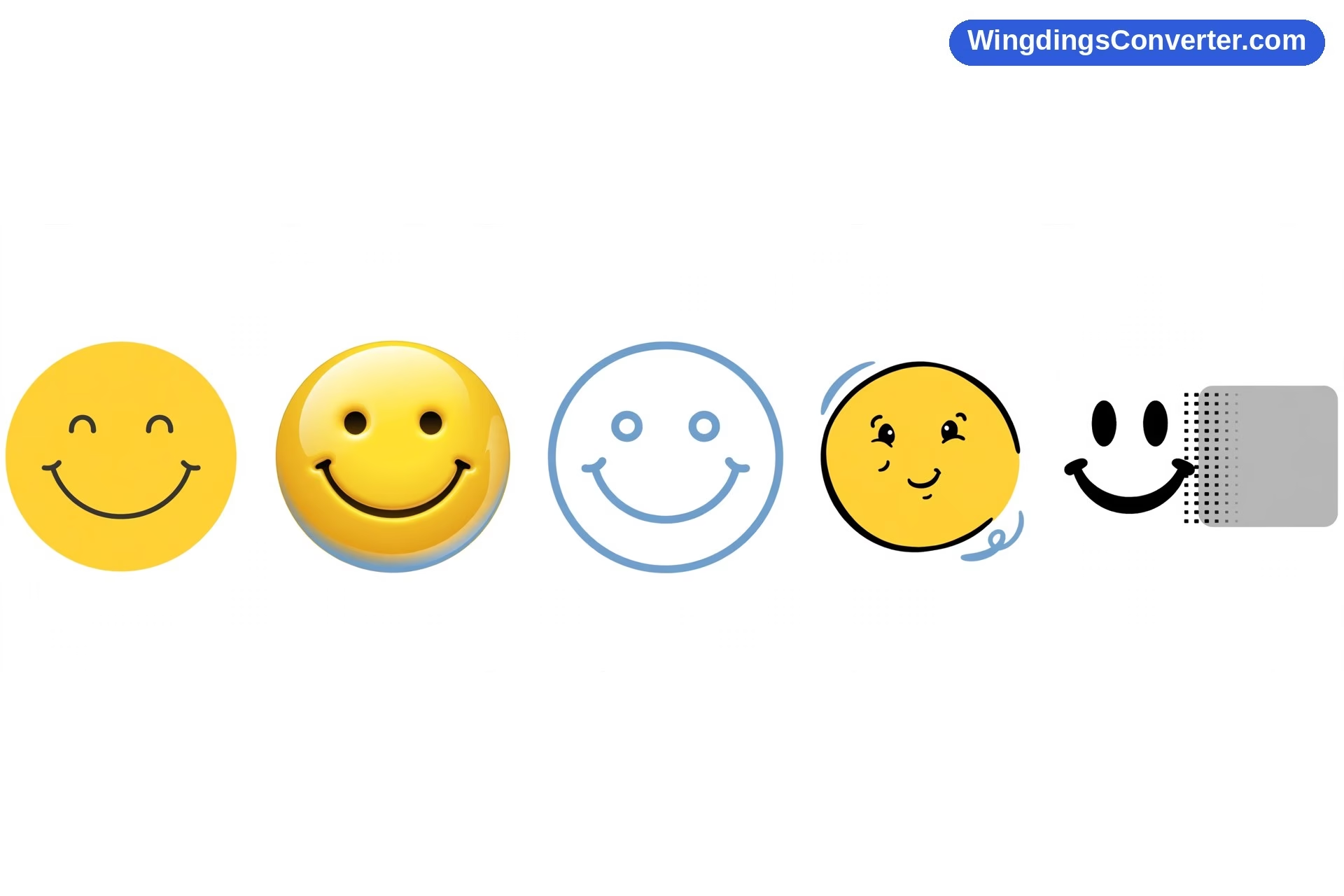
Emoji are rendered in colour by colour fonts, and each platform designs its own colour font. Apple, Google, Microsoft, and Samsung each draw the same emoji in their own house style. One company’s grinning face has rosy cheeks; another’s does not. A burger’s layers get stacked in different orders. The character is the same — the code point guarantees that — but the artwork is local.
This causes real misunderstandings. A face that reads as cheerful on the sender’s phone can look strained or sarcastic on the recipient’s. Designers have softened the worst offenders over the years, but the golden rule remains: emoji meaning is roughly shared, emoji artwork is not.
Wingdings has the opposite profile. Where the genuine font is applied, a glyph looks the same, crisp and monochrome. The problem is the size of that “where.” No font at all means no picture at all.
Colour, size, and feel
Wingdings glyphs behave like text because they are text formatting. They inherit the colour of your words, grow and shrink with the font size, and sit neatly on the same line as your paragraphs. In a printed document that restraint is an advantage: a small black check mark or star looks professional, not playful.
Emoji were born on screens and it shows. They are colourful, glossy, and deliberately eye-catching, rendered by colour fonts that ignore your text colour entirely. An emoji in the middle of a formal report looks like a sticker slapped onto the page — which is exactly the effect people want in a chat, and exactly the effect that gets people in trouble in a work email.
Tone matters too. Wingdings cannot really express emotion beyond its three little faces; its world is objects, markers, and ornaments. Emoji are almost reversed: emotion is their home turf, with hundreds of faces, gestures, hearts, and symbols for shared experiences. Comparing the two for emotional range is not close.
Are emoji just modern Wingdings?
People say this a lot, and there is a grain of truth in it: both answer the same human impulse to punctuate text with pictures. In that sense emoji absolutely inherited the job Wingdings was doing in documents — the tick, the star, the thumbs up, the face that says “well done” faster than a sentence.
Technically, though, emoji are closer to being Wingdings done properly. The idea was industrialised: every picture given its own code point, agreed by an international consortium, supported by the operating system itself rather than one company’s font, and drawn in colour for screens. Wingdings asked, “What if this letter looked like a picture?” Emoji ask, “What if the picture was a character all along?”
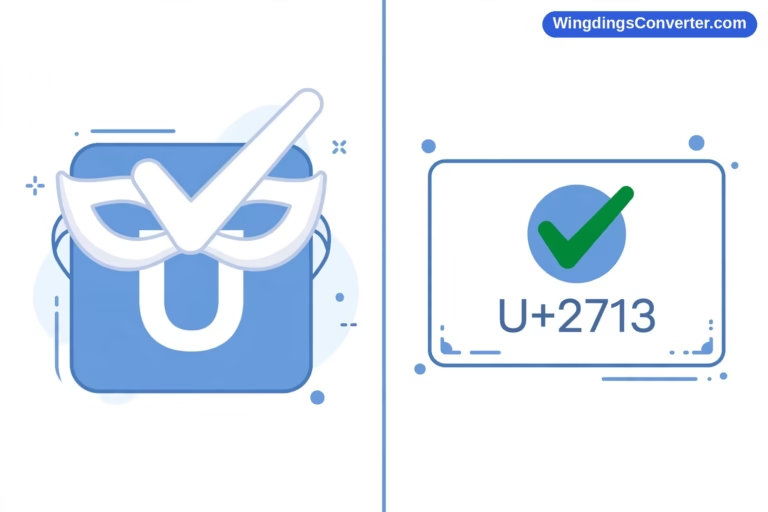
There is also a bridge between the two worlds. Unicode includes plenty of plain, monochrome symbols — ✓ at U+2713, ★ at U+2605, ❤ at U+2764 — that behave like polished Wingdings glyphs: single colour, text-like, endlessly portable. If you love the Wingdings aesthetic but need something that survives email, the web, and your colleague’s phone, those symbols are your answer, and converting old Wingdings text into them is covered in our guide on how to convert Wingdings to Unicode.
And for the historical thread that connects these fonts in the first place, Wikipedia’s Wingdings page is worth a quick read.
When to use each one
Reach for Wingdings when the setting is contained and a little retro charm is welcome: a code-breaking puzzle for students, a printable worksheet with check marks and smiley feedback, a secret message between friends who will decode it by changing the font back. In those cases its fragility is almost part of the fun.
Reach for emoji when you are actually communicating with people on their devices: reacting to a message, softening a short reply, adding warmth to a social post. Emoji will arrive intact, in colour, on essentially any modern phone or computer.
Reach for plain Unicode symbols when you want something in between: the neat, monochrome look of Wingdings with the portability of emoji. Stars, checks, arrows, and hearts from Unicode are the unsung workhorses of modern documents.
One more boundary worth keeping: neither Wingdings nor emoji belong in text that must be precise, searchable, or accessible on its own. Put the important words in words. Let the pictures do the smiling.
Frequently asked questions
What is the main difference in Wingdings vs Emoji?
Wingdings is a font that disguises ordinary letters as monochrome pictures, so its symbols depend entirely on that font being present. Emoji are real Unicode characters with their own code points, rendered in colour by colour fonts, so they travel reliably between devices — though each platform draws them in its own style.
Are emoji a type of Wingdings?
No. They share an impulse — pictures inside text — but emoji are not a font trick. They began on Japanese mobile phones in the late 1990s, famously with the 1999 DoCoMo i-mode set, and were standardised into Unicode from 2010, giving each emoji its own permanent identity.
Why does the same emoji look different on my friend’s phone?
Because Apple, Google, Microsoft, and other platforms each draw emoji with their own colour fonts. The underlying character is identical, so the meaning survives, but the artwork differs in style, detail, and sometimes emotional tone.
Why do Wingdings symbols turn into letters when I send them?
Because the letters were always the real content; the font only supplied the costume. If your message passes through an app that drops font formatting, or lands on a device without Wingdings, the costume comes off and the plain letters show. Emoji never have this problem because there is no letter underneath.
Can I use Wingdings like emoji in chat apps?
Not reliably. Most chat apps ignore the Wingdings font or lack it entirely, so your symbols will usually appear as ordinary letters to the other person. Use the app’s emoji and symbol pickers instead — those insert real Unicode characters that display properly.
Did emoji replace Wingdings?
Functionally, for everyday communication, largely yes — along with plain Unicode symbols, which cover the tidy monochrome end of what Wingdings did. Wingdings survives in documents, puzzles, worksheets, and nostalgia, where its font-based trick is still part of the charm.
Conclusion
Wingdings vs Emoji is a story of an idea growing up. Wingdings, the 1990 Microsoft font, proved that people loved putting pictures in their text, but it did so with a fragile disguise: letters pretending to be symbols, valid only where one font happened to live. Emoji, born on late-1990s Japanese phones and standardised into Unicode from 2010, gave those pictures real identities, full colour, and global reach.
Use each where it belongs — Wingdings for play and print you control, emoji for talking to the world — and you will never be surprised by either of them again.